PC Fleet Management: Reactive to Predictive
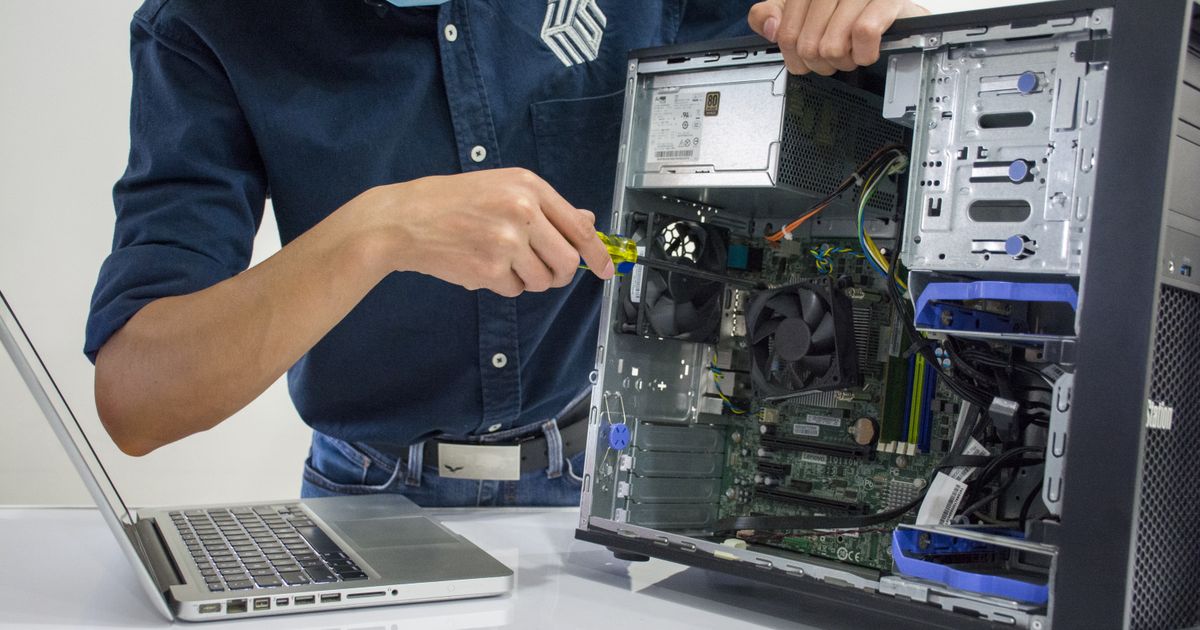
One offline machine during a deadline costs more than a year of monitoring.
With a fleet you can't physically check every machine every day, and most RMMs show 'online' right up until the moment a workstation blue-screens from thermal shutdown. GGFix watches the hardware layer — sensors, processes, BSODs decoded into plain English — and pushes alerts to whoever is on-call. Whether you have 3 machines or 300.
Start 3-Day Free TrialNo card requiredIn 2026, most businesses still manage their PC fleet the same way they did in 2010: wait for something to break, then fix it. This reactive approach is the most expensive way to manage hardware — and it's entirely preventable with proper hardware monitoring.
According to Forrester's IT operations research, unplanned downtime costs businesses 35% more than planned maintenance — a gap that widens with fleet size. After managing fleets from 10 to 200+ machines over 8 years, we've seen the shift from reactive to predictive reduce hardware-related tickets by 60-70% within the first quarter.
The Three Levels of IT Maintenance
Level 1: Reactive (Most businesses today)
- A machine fails → user reports it → IT responds
- Average downtime: 4-8 hours per incident
- Cost: emergency parts + rush labor + lost productivity
- User satisfaction: low
Level 2: Preventive (Some businesses)
- Scheduled maintenance every 6-12 months
- Replace thermal paste, clean dust, check fans
- Better than reactive, but still guessing
- You replace parts that might have lasted another year, and miss parts that fail between visits
Level 3: Predictive (Where IT is heading)
- Continuous sensor monitoring + AI analysis
- Intervene exactly when data shows a problem developing
- Zero unplanned downtime
- Cost: monitoring subscription + targeted maintenance only when needed
Predictive maintenance isn't futuristic anymore. The sensor technology exists, the AI analysis works, and the cost is low enough for any business.
What Predictive Looks Like in Practice
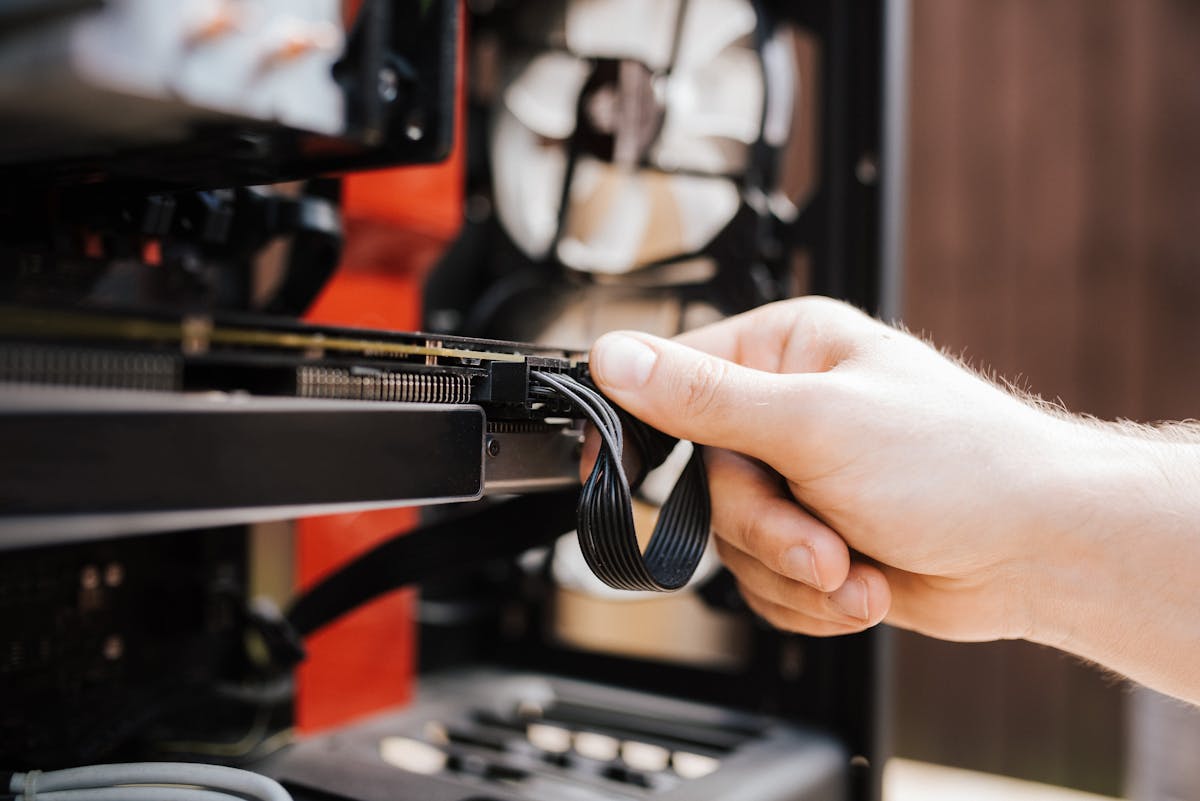
A real scenario with GGFix monitoring:
Week 1: GGFix AI notices Machine-07's CPU idle temperature has risen from 38°C to 44°C over the past month. No alert yet — it's within normal range.
Week 3: Idle temps hit 52°C. GGFix fires a warning: "CPU thermal trend indicates degrading cooling efficiency. Recommend inspection within 2 weeks."
Week 4: The technician inspects Machine-07 during a scheduled visit. Finds dust buildup in the CPU heatsink. Cleans it in 10 minutes. Temperatures drop back to 39°C.
Without monitoring: Machine-07 would have continued degrading until it thermal throttled (killing performance) or shut down during a deadline. The user would have reported "my computer is slow" or "it keeps crashing" — and the technician would have spent 2 hours diagnosing what was a 10-minute fix.
The ROI Calculation
For a fleet of 20 workstations:
| Metric | Reactive | Predictive |
|---|---|---|
| Unexpected failures/year | 3-5 | 0-1 |
| Average downtime per failure | 4-8 hours | 0 (prevented) |
| Emergency repair cost | ~$650 each | ~$0 |
| Annual hardware loss | ~$2,000-$3,300 | ~$0-$650 |
| Monitoring cost | $0 | |
| Net savings | — | ~$1,300-$2,700/year |
And that's just the direct costs. Lost productivity during downtime — an employee sitting idle for 4 hours — isn't even counted. For creative studios, a single GPU failure during a client deadline can cost more than an entire year of monitoring.
How to Start
- Audit your current state. Check the 5 most critical machines manually — CPU temps, GPU temps, fan health, disk SMART data. You'll likely find at least one machine running hotter than expected.
- Pick your most critical machines first. Rendering workstations, servers, or machines used for client work. Start with the machines where downtime costs the most.
- Establish baselines. Run monitoring for 1-2 weeks before setting alert thresholds. Every machine has different "normal" temperatures based on its workload and cooling.
- Deploy continuous monitoring. A tool like GGFix installs in under 2 minutes and runs silently. After baselining, the AI knows what "normal" looks like and alerts when behavior deviates.
- Act on alerts, not symptoms. When monitoring flags a trend — a fan losing RPM, temps climbing 2°C per week — investigate before it becomes a failure.
The shift from reactive to predictive doesn't require a massive investment. It requires visibility into what your hardware is actually doing — 24/7, not just when someone opens Task Manager. If you're an MSP, read our guide on how hardware monitoring complements your RMM.
Frequently Asked Questions
Q: What is predictive maintenance for PCs?
Predictive maintenance uses continuous hardware sensor data and AI analysis to detect problems before they cause failures. Instead of waiting for a machine to crash (reactive) or replacing parts on a schedule (preventive), you intervene exactly when data shows a component is degrading — saving both money and downtime.
Q: How long does it take to see ROI from hardware monitoring?
Most fleets see ROI within the first prevented incident. A single GPU failure costs $2,000-$4,000 in parts, labor, and lost productivity. For a 20-machine fleet, monitoring costs about $2,880/year — one prevented failure pays for the entire year.
Q: Does predictive maintenance work for small fleets?
Yes. Even a fleet of 5-10 machines benefits from continuous monitoring. Smaller businesses are often hit harder by hardware failures because they have less redundancy — when a critical machine goes down, there's no spare to switch to. According to Wikipedia's overview of predictive maintenance, the approach scales from individual machines to enterprise fleets.
Q: What data does AI need to predict hardware failures?
The AI needs continuous sensor readings: CPU and GPU temperatures, fan speeds, power draw, clock speeds, and disk temperatures. By analyzing trends over days and weeks — not just current values — it detects gradual degradation like drying thermal paste or SSD thermal throttling long before they cause visible problems.
Q: How many machines do you need before fleet monitoring makes sense?
Even 5 machines benefit from centralized monitoring — the time savings from a single dashboard vs. checking each machine individually adds up fast. The real inflection point is around 10-20 machines, where manual approaches become unsustainable and the probability of catching a failure in progress (rather than after the fact) increases significantly.
Stop checking machines manually. Watch all of them at once.
GGFix gives you a single dashboard for your entire fleet — sensors, processes, and decoded BSODs across every machine — with AI-powered alerts that push to Telegram or your PSA webhook.
- 3-day free trial — no credit card, 1 machine included
- Installs silently as a Windows Service (2 minutes)
- 50+ sensors + top 25 processes monitored every minute
- Auto-decodes BSODs and Event IDs 41 / 1001 / 219 / WHEA
- AI names the exact app that caused any crash or spike
- Telegram or email alerts in under 10 seconds
| Scenario | Typical cost (USD) |
|---|---|
| Render farm down during production deadline | $1,500 – $7,000 |
| IT consultant (reactive emergency response) | $250 – $600/day |
| Hardware failure across 5 machines (avg) | $1,200 – $4,500 |
| Emergency after-hours technician callouts | $200 – $600 |
| GGFix monitoring (per machine / month) | $20 |
| GGFix monitoring (per machine / year — 2 months free) | $200 |
Early warning is the cheapest insurance you can buy. GGFix catches problems when the fix is still cheap — and names the exact app, sensor, or BSOD code responsible.
On-site PC & laptop repair · Copenhagen
In Copenhagen with this exact problem? GGFix fixes it hands-on — often cheaper than replacing the machine.
Fixed prices from 399 DKK for on-site PC and laptop repair, all brands, on-site or drop-off in Ishøj — with an honest diagnosis before you commit to anything.
See on-site PC and laptop repair pricesGGFix Technical Team
Writing about hardware monitoring, fleet management, and keeping machines alive. Powered by GGFix.
Related Articles
PSU Failure Signs: When Your Power Supply Is Dying
A dying PSU is the most misdiagnosed component in PC repair. Voltage instability, load-specific crashes, and USB dropouts are the real warning signs — here is what the ATX spec requires, how long quality units actually last, and which diagnostic tools work.
The Real Cost of Hardware Failure: A Business Impact Analysis
Hardware failure costs 5-10x the price of the broken component when you count downtime, lost productivity, data recovery, and emergency labor. This analysis breaks down the real numbers for small and mid-sized businesses.
PC Troubleshooting Guide: Diagnose and Fix Hardware Problems
The complete starting point for diagnosing PC hardware problems. Covers every major symptom and component failure, with step-by-step diagnostic approaches and links to in-depth guides.
[ free 3-day trial · no credit card ]
Know before it breaks.
GGFix installs in 2 minutes and starts watching your hardware immediately — CPU temps, GPU load, disk health, fan speeds, and 50+ sensors. AI tells you what's wrong before it causes damage.