PSU Failure Signs: When Your Power Supply Is Dying
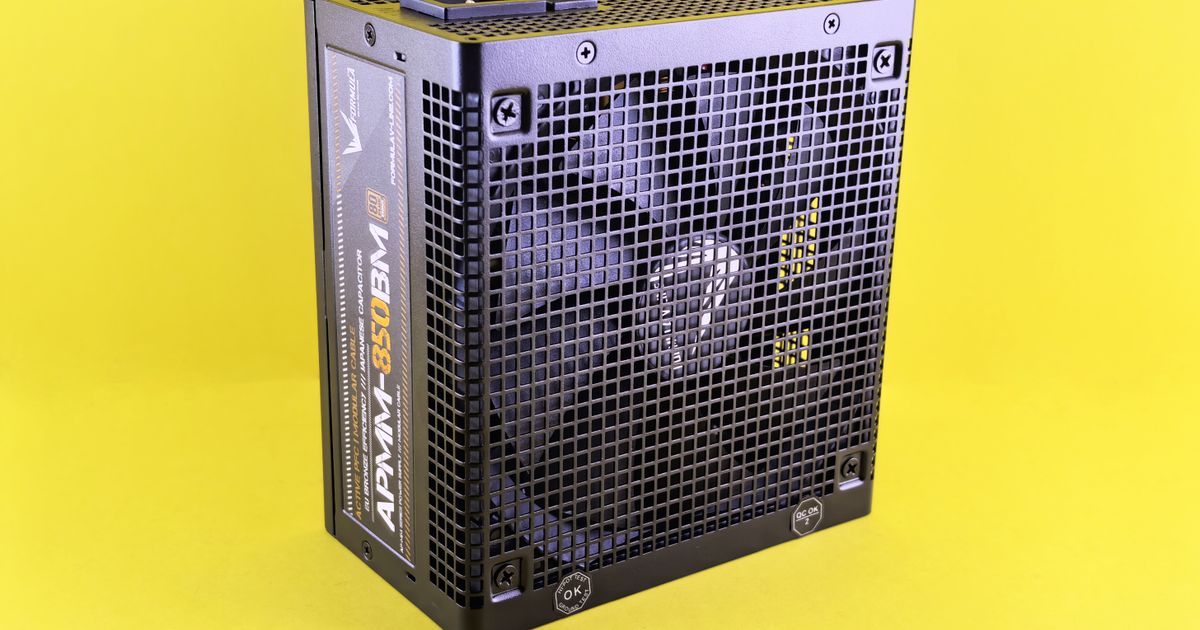
Power instability degrades components for months before you notice.
Voltage rails out of spec quietly age your GPU, CPU, and storage. A 12V rail dropping below 11.5V under combined load is the difference between 'stable for years' and 'instant power-off mid-render'. GGFix monitors +12V, +5V, and +3.3V rails continuously and flags anomalies before they shorten your hardware's life.
Start 3-Day Free TrialNo card requiredPSU failure signs are the most misdiagnosed symptoms in PC hardware. Random crashes, BSODs, USB disconnects, and instability under load look exactly like failing RAM, a bad GPU, or a corrupted OS. Eight years of hands-on repair work has taught one consistent lesson: check the power supply early, because a degrading unit takes down everything it powers on its way out.
This guide covers the verified warning signs, what the ATX specification actually requires from your voltage rails, how long quality PSUs genuinely last, and which diagnostic methods are reliable versus which ones give you false confidence. It is part of our broader PC troubleshooting and crash diagnostic guide for identifying hardware root causes.
Why PSU Failures Are So Difficult to Catch
The power supply is the only component that fails gradually. A dead RAM stick fails hard and immediately. A dying PSU degrades over months — voltage ripple increases, rails sag under load, capacitors dry out — while the system still boots and runs light workloads without complaint.
This makes PSU problems a diagnosis of exclusion. Technicians replace RAM, reinstall Windows, and reseat GPUs before touching the PSU, because the symptoms are identical. That pattern costs time and money.
Our hardware monitoring data across fleet deployments consistently shows the same pattern: voltage instability on the 12V rail appears weeks before a PSU causes its first visible crash. By the time a user reports problems, the unit has usually been degrading for months.
The symptom cascade typically runs:
- Occasional instability under GPU/CPU load (first sign, often missed)
- Random BSODs with inconsistent error codes
- USB devices disconnecting intermittently
- System fails to POST after sitting idle
- Complete power loss or no-POST condition
The ATX Voltage Specification: What "Good" Actually Means
Every ATX-compliant power supply must hold its voltage rails within defined tolerances under load. These are not guidelines — they are pass/fail specifications from Intel's ATX Version 3.0 Power Supply Design Guide.
| Rail | Nominal | ATX 3.0 Tolerance | Minimum | Maximum |
|---|---|---|---|---|
| +12V (motherboard/peripheral) | 12.00V | +5% / -7% | 11.16V | 12.60V |
| +12V (12VHPWR GPU connector) | 12.00V | +5% / -8% | 11.04V | 12.60V |
| +5V | 5.00V | ±5% | 4.75V | 5.25V |
| +3.3V | 3.30V | ±5% | 3.14V | 3.47V |
Note the asymmetry on the 12V rail: the spec allows the rail to sag further than it can spike. This reflects modern GPU power delivery reality — a brief voltage droop during a sudden power spike is tolerable, but overvoltage is more damaging to components.
What happens when tolerances are exceeded:
- 12V undervoltage below 11.16V: GPU and CPU begin dropping performance. Below 10.8V, the system may crash. Persistent undervoltage stresses VRMs, accelerating motherboard wear.
- 12V overvoltage above 12.6V: Directly damages components. Sustained overvoltage degrades transistors and MOSFETs. This is how a failing PSU kills a motherboard.
- 5V instability: Affects USB controllers, storage interfaces. Explains intermittent USB disconnects on an otherwise healthy drive.
- 3.3V instability: RAM operates primarily on the 3.3V rail. Sagging 3.3V explains apparent memory errors that pass MemTest but return under load.
This is why PSU failure looks so much like RAM failure. See our guide to diagnosing failing RAM and memory issues for the full test sequence that separates memory from power supply problems.
How Long Do Quality PSUs Actually Last
| Brand | Top Series | Warranty | MTBF | Capacitor Rating |
|---|---|---|---|---|
| Seasonic | PRIME TX | 12 years | 100,000h | 105°C Japanese |
| Corsair | HXi series | 10 years | 100,000h | 105°C Japanese |
| be quiet! | Dark Power Pro | 10 years | 100,000h | 105°C Japanese |
| EVGA | SuperNOVA G7 | 10 years | 100,000h | 105°C Japanese |
The electrolytic capacitors control PSU lifespan. The Arrhenius 10°C rule applies: every 10°C increase in operating temperature halves service life. A capacitor rated 5,000 hours at 105°C delivers approximately 10,000 hours at 95°C, 20,000 hours at 85°C, and 40,000 hours at 75°C.
Japanese 105°C caps (Nippon Chemi-Con, Rubycon, Nichicon) maintain capacitance decay below 10% and ESR increase below 30% at rated temp. Budget 85°C caps can double their ESR when ambient temperature exceeds their rating. According to Puget Systems' 2025 hardware reliability report, premium PSUs from Corsair show near-zero failure rates across hundreds of builds.
The 100,000-hour MTBF figure appears on virtually every premium PSU datasheet. It is a statistical measure across a large population of components, not a per-unit lifespan guarantee. The real-world proxy for lifespan is the warranty: Seasonic backs their PRIME series with 12 years because their failure data at that operating point supports it commercially.
The 8 Warning Signs of a Failing PSU
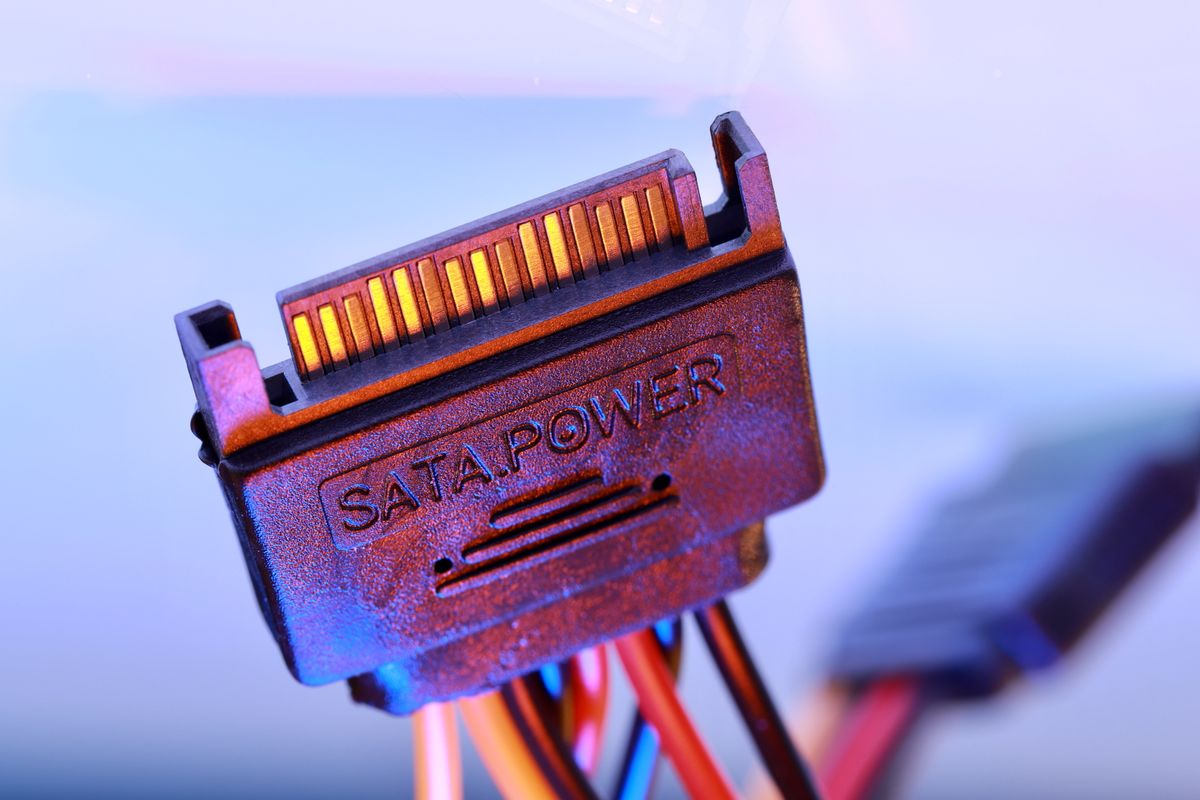
These psu failure signs are ordered by diagnostic value, not frequency of occurrence.
- Voltage sag under GPU/CPU load — The most reliable early indicator. A healthy 12V rail holds 11.8–12.2V under full load. A degrading PSU shows 11.3–11.5V. Invisible without continuous monitoring.
- Crashes and BSODs exclusively under load — If the system runs at idle but crashes during gaming or rendering, the PSU is the primary suspect. Both GPU and CPU draw heavily from the 12V rail.
- Intermittent USB disconnections — USB controllers draw from the 5V rail. Unstable 5V causes devices to disconnect across multiple ports simultaneously. Frequently blamed on Windows drivers.
- Random BSODs with inconsistent error codes — Unstable PSU power produces WHEA_UNCORRECTABLE_ERROR, IRQL_NOT_LESS_OR_EQUAL, MEMORY_MANAGEMENT — different codes each time. See our BSOD hardware causes guide.
- Failure to POST after idle — Some PSUs fail to deliver sufficient standby power after extended idle. Disconnect from mains for 30 seconds; if it recovers, suspect capacitor failure on the standby rail.
- Audible noise from the PSU — Worsening coil whine indicates degraded capacitor filtering. A grinding or rattling fan bearing means imminent fan failure and thermal runaway inside the unit.
- Burning or electrical smell — Immediate shutdown required. An internal arc can deliver damaging voltage spikes to every connected component before protection circuits respond.
- Visible physical damage — Bulging or leaking capacitor tops, scorch marks, discolored connector pins. Any of these is an immediate replacement indicator.
Diagnosing a Failing PSU: What Works and What Does Not
The paperclip test (shorting the PS_ON pin to ground on the 24-pin connector) only confirms whether the PSU can produce any output at zero load. It cannot test voltage accuracy, load regulation, or ripple voltage. A PSU that starts with a paperclip and spins its fan can still be completely defective under real operating conditions.
Software monitoring tools (HWiNFO64, HWMonitor, and similar tools covered in our hardware monitoring tools for Windows guide) read voltage through the motherboard's Super I/O chip, introducing ±0.1–0.2V error on the 12V rail. This measurement error means software readings are useful for trend detection — watching voltage decline week over week — but not for confirming whether a PSU is barely within ATX tolerance.
GGFix monitors voltage rails continuously across your entire fleet and alerts when any rail shows meaningful deviation from its own historical baseline. A 12V reading that was 11.85V in January and is 11.62V in April represents a real degradation trend, regardless of whether either reading sits within the ATX spec. That 0.23V drop over three months is the diagnostic signal — and it only appears if you have continuous data to compare against.
For specific PSU models with USB-based telemetry (Corsair AXi/HXi series, Thermaltake DPS G units, GIGABYTE AORUS PSUs), GGFix and HWiNFO64 can read rail data directly from the PSU hardware rather than through the motherboard sensor, eliminating the Super I/O measurement error entirely.
A digital multimeter connected directly to a spare Molex or SATA connector under real load provides the most accurate accessible measurement. Measure with a GPU stress test running simultaneously to put full load on the 12V rail. Below 11.16V under stress confirms the PSU is outside ATX specification. Above 11.4V but trending downward month-over-month warrants scheduling a proactive replacement.
PSU Failure and VRM Stress: The Hidden Connection
An underperforming PSU creates a secondary failure risk that is frequently overlooked: the motherboard's voltage regulation modules (VRMs) must compensate for incoming voltage instability by applying larger correction factors, generating more heat in the process.
VRMs convert the PSU's 12V output into the precise voltages CPUs require (typically 1.0–1.4V depending on load). Each VRM phase consists of a high-side and low-side MOSFET pair plus an output inductor. When the incoming 12V rail is sagging and fluctuating, the MOSFETs switch more aggressively to maintain the output target — increasing switching losses and heat output per phase. This is the VRM equivalent of a voltage regulator working overtime.
VRM temperatures that would normally sit at 65–75°C under full CPU load can rise to 85–95°C when the upstream PSU is delivering degraded voltage. Sustained VRM temperatures above 90°C accelerate MOSFET degradation. The result: a machine that started with one failing PSU develops a second problem in the VRM stage, making the eventual repair significantly more expensive. Our VRM temperature and motherboard overheating guide covers VRM thermal limits and what monitoring thresholds to set.
If you have confirmed PSU degradation and replaced the unit, monitor VRM temperatures for 2–4 weeks following the replacement. If VRM temperatures remain elevated despite a new PSU, the VRM stages may have sustained measurable degradation from the extended period of input voltage stress.
PSU Failure in Managed Fleet Environments
For IT professionals managing 10, 20, or 50+ machines, psu failure signs create a specific operational risk: the failure is invisible until it cascades into a user-reported outage, and the symptoms mimic RAM and GPU problems that are more expensive to replace.
In a fleet context, PSU degradation has three patterns worth monitoring:
Age-correlated replacement: Any machine with a budget or mid-range PSU over 5 years old is statistically approaching the end of its capacitor service life. Fleet management software that tracks machine age and hardware configuration makes it possible to schedule proactive PSU replacements before failure — during planned maintenance windows rather than emergency calls.
Load-specific failure patterns: Machines running sustained computational workloads (3D rendering, compilation, video encoding) stress PSU rails more than typical office workloads. In a mixed fleet, the machines doing heavy work will show PSU degradation years before identical machines doing office tasks. Monitoring identifies these machines before users report problems.
Voltage drift correlation with crash logs: When a machine develops a pattern of BSODs with inconsistent stop codes, cross-referencing the crash timestamps with voltage monitoring data from the same period reveals whether the crashes correlate with load-induced voltage sag. After monitoring 500+ workstations across managed fleets, this pattern — BSOD spike correlated with 12V readings dropping below 11.5V during peak load — is one of the clearest signatures of a failing PSU versus a software or RAM issue.
GGFix tracks voltage rails on every monitored machine and surfaces anomalies automatically. A PSU that starts delivering 12V readings below 11.6V under gaming or compute loads generates an alert, before the first crash report reaches the helpdesk. For an IT team managing 50 machines, that proactive warning converts a 4-hour emergency repair into a 30-minute scheduled replacement.
Prevention: What Actually Extends PSU Lifespan
Based on the Arrhenius relationship governing capacitor aging, these are the interventions with the most measurable impact:
- Keep the PSU cool — Every 10°C reduction in internal operating temperature approximately doubles capacitor service life. Positive pressure airflow, regular dust cleaning of PSU intake filters, and adequate case ventilation reduce internal PSU temperature by 5–15°C in most builds. This is the single highest-impact maintenance action.
- Right-size the PSU — A PSU operating at 40–60% of rated capacity runs cooler and more efficiently than one at 80–90%. For a system drawing 400W under full load, a 650W PSU is better than a 500W unit — both within spec, but the 650W unit has more thermal headroom. Seasonic's 12-year warranty is predicated on operation within rated load limits.
- Clean the intake filter every 6 months — A PSU with a blocked intake fan recirculates warm exhaust air, raising internal temperature dramatically. In dusty environments, filter cleaning every 3 months is appropriate.
- Use clean mains power — Voltage spikes and brownouts stress PSU protection circuits and cause premature switching component wear. A quality UPS (uninterruptible power supply) rated for the system's actual peak wattage eliminates brownout stress and provides surge protection. This is particularly relevant for office environments in areas with unstable grid power.
- Replace at the warranty boundary — A PSU that has reached its warranty period has delivered its rated service life at the design operating point. Replacing at year 8–10 is planned maintenance, not a premature expense. The alternative is an unplanned outage with potential collateral component damage.
- Monitor voltage trends continuously — A PSU that is degrading but still within spec is a replacement candidate, not an emergency. Scheduling the replacement during the next maintenance window is the difference between proactive and reactive IT management.
Frequently Asked Questions
Q: How do I know if my PSU is failing or if it is a different component?
The most reliable indicator is load-specific instability. If your PC runs stably at idle but crashes during gaming or rendering, the PSU is the primary suspect — both GPU and CPU draw heavily from the 12V rail. Confirm by measuring 12V rail voltage under load with a multimeter. Below 11.2V under stress is a strong indicator of PSU problems. If the system crashes at idle too, suspect RAM or the motherboard instead.
Q: Is the paperclip test a reliable way to check if my PSU is dead?
No. The paperclip test only confirms whether the PSU can start at zero load. It cannot test voltage accuracy, regulation under load, or ripple voltage. A PSU that starts with a paperclip can still deliver sagging rails, excessive ripple, or damaging voltage spikes under real conditions. Use a multimeter under real load or a dedicated PSU tester for meaningful diagnostics.
Q: Can HWiNFO64 accurately show if my PSU voltages are out of spec?
Software monitoring reads voltage through the motherboard's sensor chip, introducing ±0.1–0.2V error on the 12V rail. It is accurate enough for trend detection — watching voltage decline over weeks — but not precise enough to confirm whether a PSU is barely within ATX tolerance. For a definitive reading, use a digital multimeter connected directly to a spare power connector under load. GGFix tracks each machine's voltage baseline continuously over time, which makes degradation trends visible that any single-point reading would miss.
Q: How long should a quality PSU last?
Premium PSUs from Seasonic (PRIME series, 12-year warranty), Corsair (HXi, 10 years), be quiet! (Dark Power Pro, 10 years), and EVGA (SuperNOVA G7, 10 years) are rated for 10–12 years of service. Real-world lifespan depends heavily on operating temperature and load. The electrolytic capacitors are always the limiting component — every 10°C cooler they run approximately doubles their service life.
Q: Can a failing PSU damage other components?
Yes. A PSU delivering sustained overvoltage above 12.6V on the 12V rail can damage the CPU, GPU, VRMs, and storage devices. High ripple voltage stresses every powered component. VRMs compensating for incoming voltage instability run hotter and degrade faster. A PSU running in a degraded state for weeks can cascade into a motherboard failure, making the original problem significantly more expensive to resolve.
Q: My PC randomly shuts down but only sometimes — could it be the PSU?
Intermittent shutdowns are a classic PSU degradation symptom. Check CPU temperatures first — thermal shutdown is more common. If temperatures are normal and the system still shuts down under load, proceed to PSU diagnosis. Our guide to why PCs shut down randomly walks through the full diagnostic sequence including thermal, PSU, and Windows power event log analysis.
Find out if your hardware has problems right now.
GGFix monitors 50+ sensors per machine plus the top 25 processes every minute, decodes BSODs into plain English, and pushes alerts to your phone in under 10 seconds.
- 3-day free trial — no credit card, 1 machine included
- Installs silently as a Windows Service (2 minutes)
- 50+ sensors + top 25 processes monitored every minute
- Auto-decodes BSODs and Event IDs 41 / 1001 / 219 / WHEA
- AI names the exact app that caused any crash or spike
- Telegram or email alerts in under 10 seconds
| Scenario | Typical cost (USD) |
|---|---|
| Emergency repair after hardware failure | $300 – $1,500 |
| Data recovery (worst case) | $500 – $2,500 |
| Lost workday per incident | $150 – $800 |
| Preventive maintenance (if flagged early) | $30 – $130 |
| GGFix monitoring (per machine / month) | $20 |
| GGFix monitoring (per machine / year — 2 months free) | $200 |
Early warning is the cheapest insurance you can buy. GGFix catches problems when the fix is still cheap — and names the exact app, sensor, or BSOD code responsible.
On-site PC & laptop repair · Copenhagen
In Copenhagen with this exact problem? GGFix fixes it hands-on — often cheaper than replacing the machine.
Fixed prices from 399 DKK for on-site PC and laptop repair, all brands, on-site or drop-off in Ishøj — with an honest diagnosis before you commit to anything.
See on-site PC and laptop repair pricesggfix
Writing about hardware monitoring, fleet management, and keeping machines alive. Powered by GGFix.
Related Articles
The Real Cost of Hardware Failure: A Business Impact Analysis
Hardware failure costs 5-10x the price of the broken component when you count downtime, lost productivity, data recovery, and emergency labor. This analysis breaks down the real numbers for small and mid-sized businesses.
PC Troubleshooting Guide: Diagnose and Fix Hardware Problems
The complete starting point for diagnosing PC hardware problems. Covers every major symptom and component failure, with step-by-step diagnostic approaches and links to in-depth guides.
Real-Time vs. Periodic Monitoring: Which Wins
A weekly temperature check tells you what your hardware looked like at 9 AM on Tuesday. A continuous monitoring agent tells you what happened at 3 AM Thursday when the fan bearing seized. The gap between those two answers is the difference between proactive and reactive IT.
[ free 3-day trial · no credit card ]
Know before it breaks.
GGFix installs in 2 minutes and starts watching your hardware immediately — CPU temps, GPU load, disk health, fan speeds, and 50+ sensors. AI tells you what's wrong before it causes damage.