The Hidden Costs of Not Monitoring Your Hardware
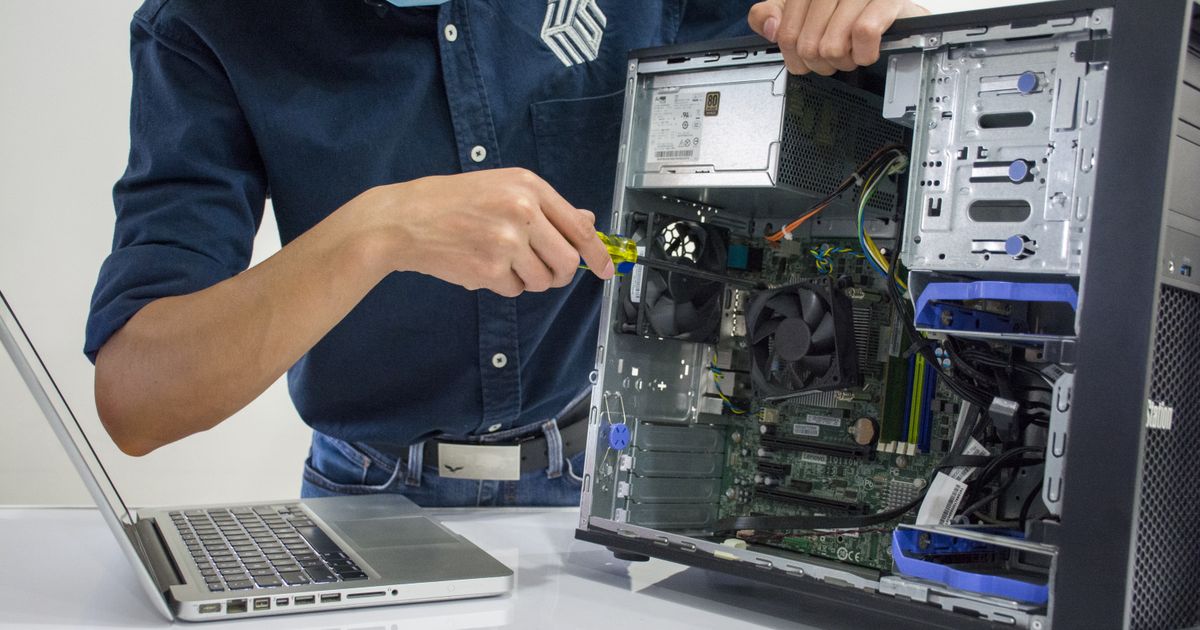
Skipping maintenance doesn't save money — it defers a bigger bill.
Dust-clogged heatsinks and degraded thermal paste cause CPUs to run 15–25°C hotter than they should. GGFix detects rising baseline temps over time — the exact signal that maintenance is overdue — and tells you *which* machine to clean, not just that something is wrong somewhere.
Start 3-Day Free TrialNo card requiredHardware monitoring feels like a nice-to-have until the day it becomes essential. A workstation fails at 8 AM. The employee calls IT. IT calls a technician. The technician diagnoses the problem, orders a part, and returns two days later. The machine runs again — but the cost of those two days never appears on any invoice. It was hardware monitoring that should have caught the warning signs a week earlier.
After 8 years of hardware repairs in Copenhagen, the pattern is consistent: businesses that monitor hardware proactively spend less on repairs, less on emergency labor, and lose far fewer hours to unplanned downtime. The businesses that do not monitor hardware typically discover this comparison for the first time during an expensive failure. This post puts real numbers on the difference — because the costs of not monitoring are real, they are large, and most of them stay invisible until it is too late.
What Hardware Failure Actually Costs
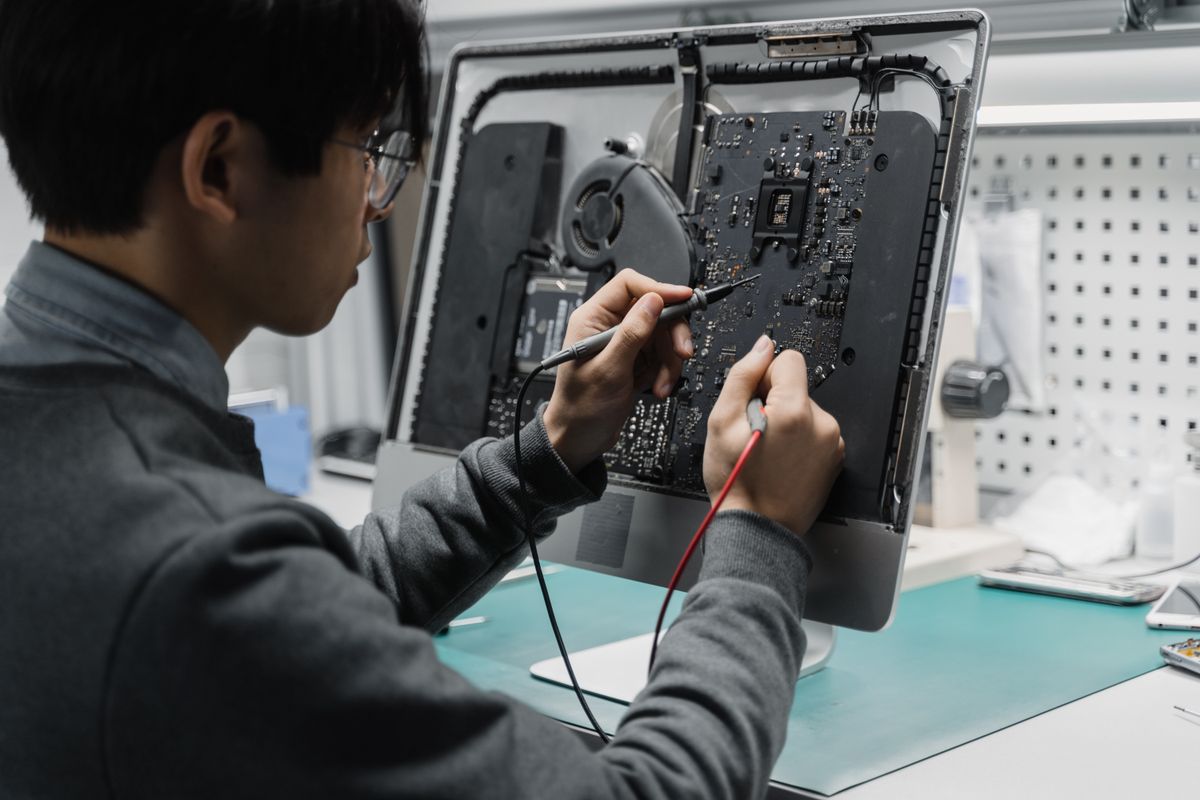
The direct costs of a hardware failure are easy to see on an invoice: replacement part ($200-$600), technician labor (2-4 hours), and the cost of the new hardware if the machine is beyond repair ($800-$2,500 for a business workstation). That totals roughly $1,000-$3,000 per incident for a mid-range machine. Painful, but manageable.
The indirect costs are 3-5x larger and rarely appear on any document.
The Four Cost Components of Every Hardware Failure
| Cost Category | What It Includes | Typical Share of Total Cost |
|---|---|---|
| Lost revenue | Transactions not processed, clients not served, deadlines missed | 25-35% |
| Lost productivity | Hours the affected employee cannot work; hours others spend workarounding | 35-45% |
| Recovery costs | Emergency labor, parts sourcing, data recovery, software reinstallation | 15-25% |
| Reputation costs | Client trust, SLA breaches, follow-up communication, goodwill damage | 10-20% |
According to research by Nexthink, employees lose an average of two full work weeks per year to IT issues — and 55% of those problems are never even reported to IT. The untracked hours are the most expensive ones, because they accumulate silently across every machine in the fleet.
The Real Hourly Cost of Downtime
The widely cited Gartner figure — $5,600 per minute of IT downtime — is a large enterprise infrastructure number. For SMBs, the figures are proportionally smaller but no less serious: 78% of small businesses say a single hour of unplanned downtime costs over $10,000 when all indirect costs are factored in.
For a 10-person business where each employee earns $50,000 per year, the labor cost alone of one hour of downtime is approximately $240. If only one machine is down, the direct productivity loss is $24/hour for that employee. But the knock-on effects — a project delayed, a client waiting, a deadline missed — multiply that by 3-5x easily.
Use this formula to calculate the real cost for your own business:
Downtime Cost = (Affected employees × Hourly wage) + (Lost revenue per hour × % of operations affected) + Emergency labor rate + Intangible costs
A 5-person creative team with a failed render workstation, at $35/hour average wages, earning $500/hour in project revenue: one day of downtime costs $1,400 in wages + $4,000 in lost revenue + $400 in emergency IT labor = $5,800 for a single day. That is without data recovery, client penalties, or reputation impact.
The Hidden Costs Nobody Tracks
The Detection Lag
Hardware does not fail without warning. CPU temperatures rise over weeks. Fan RPM readings drop as bearings wear. S.M.A.R.T. attributes on drives deteriorate months before failure. VRM temperatures climb as capacitors age.
The problem is not that the warning signs do not exist — it is that nobody sees them. Without continuous monitoring, a machine gives out these warnings silently, every 60 seconds, to no one. The technician only learns about the problem when the user calls in with "my computer just died."
In our monitoring data across hundreds of machines, the average time between a measurable sensor anomaly and a hardware failure is 14 to 21 days for thermal failures, and 30 to 90 days for storage failures. That is a month of warning, uncaptured, for every drive failure that "came out of nowhere."
Emergency Labor Rates
Scheduled maintenance and emergency repair are not the same price. A planned maintenance visit — booked a week in advance, performed during business hours — costs the standard rate. An emergency callout — same-day, during peak hours, requiring a technician to drop other work — typically costs 1.5-2.5x the standard rate in the Danish IT services market.
For a machine that needed $200 in thermal paste and cleaning (a 45-minute scheduled job), the emergency version — arriving after an overheating failure, diagnosing the machine, ordering a replacement part because the thermal damage extended to the CPU, returning with the part — costs $800-$1,200 in labor alone. The difference pays for monitoring across an entire fleet for a year.
Parts Sourcing Under Pressure
When a machine fails unexpectedly, the parts are not in stock. A specific laptop battery, a particular NVMe drive, a compatible power supply for a 4-year-old workstation — sourcing these same-day or next-day adds 30-60% to the parts cost compared to planned procurement. For fleet managers, predictive maintenance enables bulk purchasing and pre-staging of common spare parts at standard pricing.
The Client Trust Problem for MSPs
For managed service providers, a client whose machine fails unexpectedly is a client who questions the value of their managed services contract. The conversation is not comfortable: "We are paying you to manage our IT — how did this happen without warning?"
After deploying monitoring across one 30-machine client fleet, we saw a 40% reduction in hardware-related tickets within 3 months. The financial benefit was secondary to the relationship benefit: the MSP could show the client their fleet health dashboard, point to an alert that fired two weeks before a potential failure, and demonstrate that the maintenance visit was scheduled because of that alert — not scheduled after a crisis. That narrative is worth more than the repair cost it prevented.
Our complete guide to the 7 critical sensors to monitor covers exactly what signal each sensor provides and what degradation looks like before it becomes a failure.
Proactive vs. Reactive: A Real Cost Comparison
The same hardware failure event — a workstation CPU approaching 100°C due to dried thermal paste and dust buildup — plays out differently depending on whether the machine is monitored.
| Scenario | Reactive (No Monitoring) | Proactive (Monitored) |
|---|---|---|
| How problem is detected | User reports PC is "slow and shutting down" | Alert fires when CPU temp exceeds 85°C for 3+ days |
| When problem is detected | After performance damage begins | 2-3 weeks before failure |
| User downtime | 6-18 hours (diagnosis + repair) | 0 (maintenance during off-hours) |
| Technician visit type | Emergency callout | Scheduled maintenance |
| Repair scope | Thermal paste + cleaning + potentially CPU replacement if degraded | Thermal paste + cleaning (no damage) |
| Total cost | $600-$1,800 | $80-$150 |
| Client impact | Work lost, deadline missed, trust eroded | None |
This comparison scales across a fleet. A 20-machine office where 3 machines per year would have had reactive failures now has 3 scheduled maintenance visits instead. The cost difference is $1,800-$5,400 per year in avoided emergency costs — not including the productivity and client trust benefits. At $12/machine/month, monitoring the full 20-machine fleet costs $2,880/year. The math works before accounting for a single prevented emergency.
For studios and businesses running expensive workstations, the math is even clearer — our analysis of creative studio workstation costs shows how a single render workstation failure can erase weeks of margin.
What Monitoring Actually Catches Early
The question is not whether hardware will fail — all hardware eventually fails. The question is whether the failure is planned or unplanned.
Continuous hardware monitoring surfaces early warning indicators that manual checks miss entirely:
Thermal degradation — A CPU that ran at 55°C 18 months ago and now idles at 72°C is not running fine. The trend is the signal. No single check at either time would trigger alarm; only continuous trending reveals the trajectory. Our post on why your PC is running slow explains the full spectrum of hardware causes — most of which are detectable weeks in advance.
Fan bearing wear — Fan RPM naturally decreases as bearings wear. A CPU fan running at 1,200 RPM instead of its rated 1,800 RPM is moving 33% less air. That is measurable months before the bearing seizes entirely.
Drive S.M.A.R.T. degradation — Reallocated sectors, pending sectors, and uncorrectable errors in S.M.A.R.T. data all precede drive failure by weeks to months. According to Backblaze's 2024 drive reliability report, drives that develop S.M.A.R.T. attribute errors are statistically far more likely to fail within 60 days.
VRM and power delivery anomalies — Voltage irregularities and elevated VRM temperatures indicate aging capacitors and power delivery components. These fail slowly, then suddenly.
GGFix monitors all of these sensors every 60 seconds, uploads aggregated telemetry every 5 minutes, and fires alerts the moment a trend crosses a configured threshold — giving the technician days or weeks to schedule maintenance before anyone loses a minute of work.
The Calculation You Should Run Before Your Next Hardware Failure
Before dismissing monitoring as an unnecessary cost, run this calculation for your own fleet:
- Count your machines
- Estimate how many hardware failures per year you currently experience (or budget for)
- Estimate the total cost per failure: direct repair + emergency labor + user downtime hours × hourly wage
- Multiply: average cost per failure × number of failures per year
- Compare to: number of machines × $12/month × 12
For most businesses with 5+ machines and even one unplanned failure per year, the monitoring cost is covered by the first prevented emergency. For businesses with larger fleets or workstations under heavy daily load, the calculation is not close.
The businesses that never think about hardware monitoring are the same ones that describe their IT costs as "unpredictable." The costs are not unpredictable — they are simply untracked. Monitoring makes them predictable, because it moves failures from the "unplanned" column to the "scheduled maintenance" column before they happen.
Frequently Asked Questions
Q: How much does hardware failure cost a small business on average?
The direct cost of hardware repair runs $500-$2,500 per machine, depending on the failure. Total costs including lost productivity, emergency labor, and indirect impacts are typically 3-5x the direct repair cost. A single workstation failure in a 10-person business commonly runs $3,000-$8,000 in total impact when all factors are measured.
Q: How long can a hardware failure go undetected without monitoring?
In our fleet monitoring data, thermal failures typically show measurable sensor anomalies 14-21 days before catastrophic failure. Drive failures often show S.M.A.R.T. degradation 30-90 days in advance. Without continuous monitoring, these signals go unobserved and the failure appears to arrive without warning.
Q: What is the difference between proactive and reactive hardware maintenance?
Reactive maintenance responds after a failure occurs — emergency callout, diagnosis, repair, downtime. Proactive maintenance acts on sensor data before failure — scheduled maintenance, no downtime, standard labor rates. The same physical intervention (thermal paste replacement, cleaning, drive swap) costs 60-80% less when it is planned versus emergency.
Q: Is hardware monitoring worth the cost for a small business?
For any business with 5+ machines and at least one hardware failure per year, the monitoring cost ($12/machine/month) is typically recovered by the first prevented emergency repair. The calculation becomes even more favorable when user downtime, emergency labor premiums, and parts sourcing costs are included.
Q: What hardware problems can monitoring actually prevent?
Monitoring does not prevent all hardware failures — components still wear out. What it prevents is unplanned failure. Thermal degradation, fan bearing wear, drive S.M.A.R.T. deterioration, and VRM anomalies all provide weeks of warning in sensor data. Monitoring converts those signals into scheduled maintenance visits before any user loses a minute of work.
Q: How do MSPs benefit from hardware monitoring beyond the cost savings?
The financial benefit is real but the relationship benefit is larger. An MSP that can show a client their fleet health dashboard, point to an alert that fired before a failure, and demonstrate that maintenance was scheduled proactively — not triggered by a crisis — has a fundamentally different client conversation than one responding to complaints. Proactive monitoring shifts the MSP from a repair service to a prevention service, which is a more defensible position in every contract renewal discussion.
Find out if your hardware has problems right now.
GGFix monitors 50+ sensors per machine plus the top 25 processes every minute, decodes BSODs into plain English, and pushes alerts to your phone in under 10 seconds.
- 3-day free trial — no credit card, 1 machine included
- Installs silently as a Windows Service (2 minutes)
- 50+ sensors + top 25 processes monitored every minute
- Auto-decodes BSODs and Event IDs 41 / 1001 / 219 / WHEA
- AI names the exact app that caused any crash or spike
- Telegram or email alerts in under 10 seconds
| Scenario | Typical cost (USD) |
|---|---|
| Emergency repair after hardware failure | $300 – $1,500 |
| Data recovery (worst case) | $500 – $2,500 |
| Lost workday per incident | $150 – $800 |
| Preventive maintenance (if flagged early) | $30 – $130 |
| GGFix monitoring (per machine / month) | $20 |
| GGFix monitoring (per machine / year — 2 months free) | $200 |
Early warning is the cheapest insurance you can buy. GGFix catches problems when the fix is still cheap — and names the exact app, sensor, or BSOD code responsible.
On-site PC & laptop repair · Copenhagen
In Copenhagen with this exact problem? GGFix fixes it hands-on — often cheaper than replacing the machine.
Fixed prices from 399 DKK for on-site PC and laptop repair, all brands, on-site or drop-off in Ishøj — with an honest diagnosis before you commit to anything.
See on-site PC and laptop repair pricesGGFix Technical Team
Writing about hardware monitoring, fleet management, and keeping machines alive. Powered by GGFix.
Related Articles
PSU Failure Signs: When Your Power Supply Is Dying
A dying PSU is the most misdiagnosed component in PC repair. Voltage instability, load-specific crashes, and USB dropouts are the real warning signs — here is what the ATX spec requires, how long quality units actually last, and which diagnostic tools work.
The Real Cost of Hardware Failure: A Business Impact Analysis
Hardware failure costs 5-10x the price of the broken component when you count downtime, lost productivity, data recovery, and emergency labor. This analysis breaks down the real numbers for small and mid-sized businesses.
PC Troubleshooting Guide: Diagnose and Fix Hardware Problems
The complete starting point for diagnosing PC hardware problems. Covers every major symptom and component failure, with step-by-step diagnostic approaches and links to in-depth guides.
[ free 3-day trial · no credit card ]
Know before it breaks.
GGFix installs in 2 minutes and starts watching your hardware immediately — CPU temps, GPU load, disk health, fan speeds, and 50+ sensors. AI tells you what's wrong before it causes damage.