What Happens Inside Your PC at 95 Degrees

Your CPU might be throttling right now and you'd never know.
Sustained temperatures above 85°C shorten CPU lifespan and tank performance — silently. GGFix watches every sensor (including the hotspot most tools hide) and alerts you the moment a reading drifts above its 30-day baseline, not just when it crosses a static threshold.
Start 3-Day Free TrialNo card requiredA CPU at 95°C is not just "running hot." Specific, measurable physical processes are occurring inside the silicon die, on the circuit board, and in the surrounding components — processes that accumulate damage over time even if the machine keeps running. Understanding what actually happens at extreme temperatures explains why monitoring and early intervention matter: many of the effects are cumulative and irreversible, but they develop slowly enough that continuous monitoring can catch the conditions before significant damage accumulates.
This post covers the physics of heat damage in PC hardware — specifically what happens at the temperatures monitoring tools report.
For context on normal operating temperatures and safe ranges, see our CPU temperature guide and our thermal throttling explained guide.
The Silicon Die at High Temperature
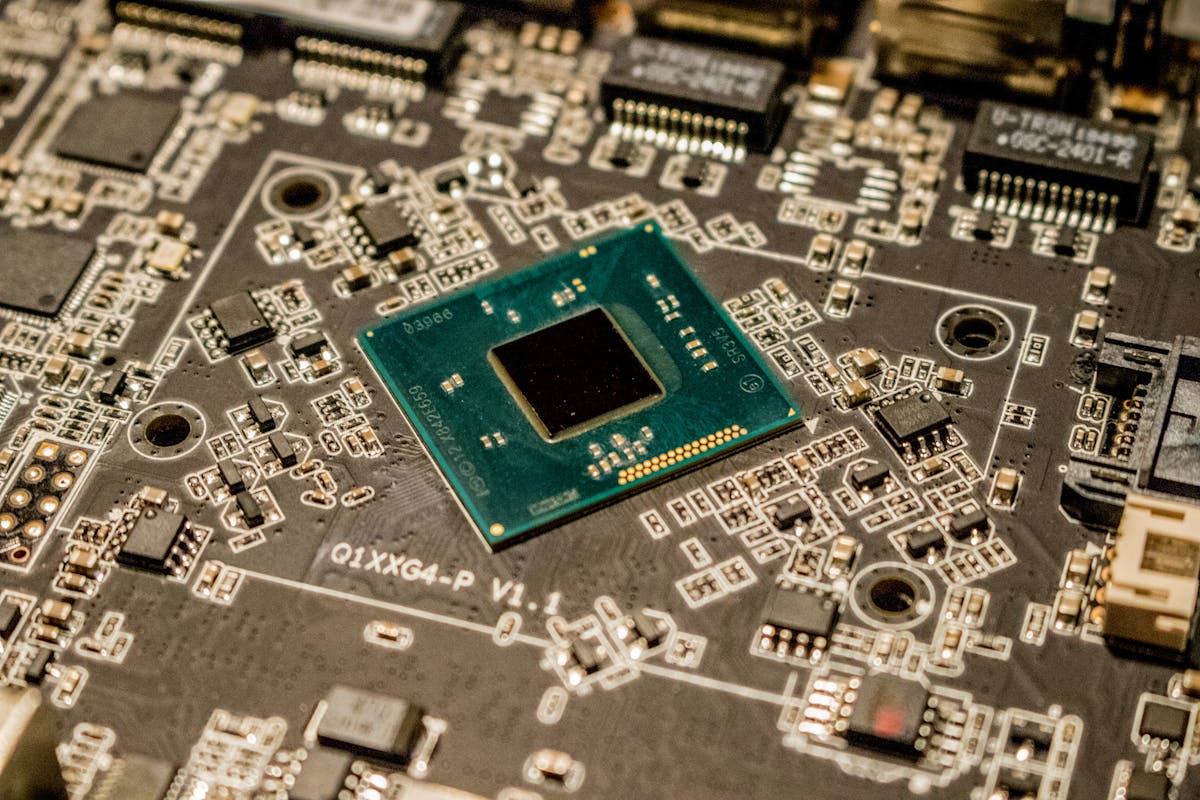
Modern CPU and GPU dies are manufactured on 4–7nm process nodes — transistors with features measured in billionths of a meter. At these scales, temperature has direct effects on electrical behavior:
Electron mobility decreases: As silicon temperature increases, thermal vibration of the crystal lattice increases, which impedes electron movement. The result: transistors switch more slowly, and the CPU must reduce clock speed (thermal throttling) or risk computation errors. This is why a CPU at 95°C that is not throttling is producing unreliable computation — the transistors are not switching fast enough for the requested clock speed.
Leakage current increases: At high temperatures, the insulating barrier between transistor gate and channel (the gate dielectric) becomes less effective. Current leaks through where it should not, wasting power, generating additional heat, and accelerating gate dielectric wear. At temperatures above 100°C, leakage current in modern CPUs increases significantly — this is one reason Intel sets TjMax (thermal junction maximum) at 100°C for most consumer processors. Above TjMax, leakage accelerates to the point where the CPU begins self-heating from leakage alone.
Electromigration: This is the failure mode that temperature most directly causes over time. In metallic interconnects (the tiny copper wires connecting transistors on the die), electrons moving through the wire impart momentum to metal atoms. At high temperatures and high current densities, this causes metal atoms to migrate — accumulating in some areas ("hillocks") and depleting others ("voids"). Eventually, a void grows large enough to break the interconnect, causing a permanent open circuit in the CPU's logic.
Electromigration rate is exponentially temperature-dependent. Intel's lifetime reliability specifications for their CPUs assume operation at or below rated maximum junction temperature. A CPU running 10°C above its TjMax doesn't just fail slightly faster — the electromigration rate can double or more depending on the activation energy of the specific process, meaning the expected lifespan halves.
The practical implication: A CPU running at 100°C for occasional spikes during gaming is experiencing thermal throttling but minimal cumulative damage. A CPU running at 95–98°C for 8–12 hours per day in a rendering workstation without adequate cooling is accumulating electromigration damage at a rate that meaningfully shortens its operational lifespan.
What Happens at 95°C: Component-by-Component
CPU at 95°C
Most consumer Intel CPUs have TjMax at 100°C. AMD Ryzen 7000 series has TjMax at 95°C. At 95°C:
-
Intel Core (Raptor Lake): 5°C below TjMax. Thermal throttling is active or imminent. Clock speeds are reduced from boost frequencies toward base clock. Power management is limiting thermal output. Performance is reduced 10–40% depending on cooling adequacy.
-
AMD Ryzen 7000 (AM5): Exactly at TjMax. Full throttling is active. AMD's Precision Boost behavior intentionally operates close to TjMax, so this is within design intent — but it means the cooling solution is operating at its limit with no thermal headroom.
-
Thermal compound at the CPU-cooler interface: Thermal compounds (including standard silicone and premium compounds like Thermal Grizzly Kryonaut) degrade faster at sustained high temperatures. Kryonaut is rated to 80°C continuous; above this, the compound's viscosity and thermal conductivity degrade faster. After 12–18 months of sustained 90–95°C operation, thermal compound degradation is a major contributor to further temperature increases.
GPU at 95°C
NVIDIA's consumer GPU thermal limit for most cards is 83–87°C (GPU core temperature). At 95°C GPU core:
- The GPU is significantly above its manufacturer-intended operating temperature
- Thermal throttling has been active for some time before reaching 95°C
- GPU power state is reduced to minimum (P8 or similar)
- Rendering performance is typically 50–75% of rated performance
- VRAM chips (which may be running 15–25°C above reported GPU core temperature) could be at 110–120°C
At 95°C sustained GPU core temperature, permanent GPU damage is a real risk. The GPU die, thermal compound, and circuit board are all experiencing accelerated degradation. For GDDR6X memory (RTX 3080/3090 class), VRAM temperatures above 110°C are associated with VRAM cell degradation — permanent reduction in the number of functioning memory cells.
Circuit Board (PCB) at High Temperatures
Modern PCBs are multi-layer structures with copper traces and FR4 (flame-retardant epoxy fiberglass) substrate. At sustained high temperatures:
Solder joint fatigue: Lead-free solder (RoHS-compliant SAC305 alloy) used in modern electronics is less mechanically compliant than the legacy tin-lead solder it replaced. Under thermal cycling (heating and cooling with each power cycle), solder joints experience shear stress due to the different thermal expansion coefficients of the chip package and the PCB. At higher temperatures, each thermal cycle produces more stress. Over hundreds or thousands of cycles, this causes micro-cracks in solder joints that eventually cause intermittent or permanent connection failures.
This is why machines that run very hot and are frequently power-cycled (gaming PCs that start cold and immediately run hot) tend to develop more solder joint failures than machines that run warm continuously.
Capacitor ESR increase: Electrolytic capacitors on motherboards and GPU VRM circuits contain electrolyte fluid whose properties change with temperature. The ESR (Equivalent Series Resistance) of these capacitors increases at high temperatures, reducing their ability to filter voltage ripple on power delivery circuits. A GPU VRM with capacitors degraded by thermal stress delivers less clean power to the GPU die, increasing the risk of voltage spikes that cause memory errors or logic failures.
PCB delamination: At sustained temperatures above 85°C across the board (not just component temperatures, but PCB surface temperature), FR4 substrate can begin to delaminate between layers. This is rare in consumer hardware under normal conditions but can occur in severely overheated systems over extended periods.
The Timeline from 95°C to Hardware Damage
First occurrence at 95°C (transient spike): Negligible damage. Thermal throttling activates, clock speeds drop, temperatures return to normal range. This is within the hardware's designed protection mechanism.
Frequent 95°C spikes over 6 months: Measurable but small accumulated damage. Thermal compound begins to degrade. Solder joint fatigue accumulates from thermal cycles. The hardware will likely continue functioning, but performance is reduced during throttle events.
Sustained 90–95°C for 8+ hours per day over 12–18 months: Significant accumulated damage. Thermal compound performance is materially degraded, adding 5–10°C to baseline temperatures. Electromigration has begun accumulating in high-current interconnects. The CPU or GPU may continue to function but has meaningfully reduced remaining lifespan. This is the scenario in unmonitored render farms, gaming venues, and creative studios.
Sustained above TjMax (>100°C CPU, >90°C GPU core): Short-term damage risk. OS thermal protection activates and shuts down the machine. If thermal protection is bypassed or fails, permanent die damage can occur within minutes to hours. This scenario should not occur with properly functioning hardware protection, but failing fans or complete thermal compound breakdown can make it possible.
How Monitoring Prevents This
The damage described above is cumulative and temperature-time dependent. Catching a machine at 88°C and addressing the underlying cause (dust, thermal compound, fan failure) before it reaches 95°C sustained operation prevents the accelerated wear.
GGFix's trend-based monitoring is specifically designed to catch gradual temperature increases — the 3°C increase per month that indicates degrading thermal compound, the 8°C increase over 90 days that indicates dust accumulation. By the time a machine reaches 95°C sustained, a properly configured monitoring system should have alerted on this machine weeks earlier.
Once a machine is already running this hot, the fix is almost always mechanical — fresh thermal paste, a dust clean, or a failing fan replaced. If you are in Copenhagen, GGFix offers fixed-price PC cleaning and thermal-paste replacement to bring those temperatures back into a safe range before damage accumulates.
For temperature ranges and the safe operating thresholds for common hardware, see our hardware monitoring alert thresholds guide.
Frequently Asked Questions
Does a CPU immediately degrade every time it reaches 95°C?
No. Transient spikes to 95°C during brief heavy loads (a few seconds during compile jobs, video export initialization) cause negligible cumulative damage. The damage is proportional to both temperature and duration — brief spikes are far less damaging than sustained operation at the same temperature. Design for what your hardware spends most of its time doing, not the maximum spikes.
Is 90°C GPU temperature safe for gaming?
Modern NVIDIA GeForce GPUs throttle at 83°C. If your GPU is hitting 90°C, it has been throttling for some time and the readings exceeded the throttle point. This indicates a cooling problem. Gaming GPUs operating at 90°C sustained are above their designed thermal envelope, accumulating accelerated wear. The fix is cooling improvement (better case airflow, GPU fan cleaning/replacement, thermal pad replacement) — not accepting 90°C as normal.
Can a PC recover from thermal damage, or is it permanent?
Most thermal damage is permanent at the silicon/solder level. However, performance recovery is possible through maintenance: replacing degraded thermal compound improves temperatures by 10–20°C, reducing the rate of further damage accumulation. The previously accumulated electromigration damage and capacitor ESR increase are permanent, but slowing down the rate of additional damage extends the hardware's functional lifespan.
What is the fastest way to reduce CPU temperature by 10°C without replacing hardware?
In descending order of effectiveness: (1) Replace thermal paste — typical improvement 10–20°C on CPUs with 2+ year old compound. (2) Clean dust from heatsink fins and fans — typical improvement 5–15°C on dusty systems. (3) Improve case airflow by adding intake fans or repositioning existing fans — typical improvement 3–8°C. (4) Ensure the CPU cooler mounting pressure is correct and the cooler hasn't shifted. (5) Reapply the cooler with fresh thermal compound and verify secure mounting.
Is 95°C AMD Ryzen normal?
AMD Ryzen 7000 series CPUs have a TjMax of 95°C and Precision Boost intentionally targets close to TjMax for maximum performance. Briefly touching 95°C during boost is within design intent. Sustained 95°C during all workloads (not just boost spikes) indicates the cooling solution is at its limit and there is no thermal headroom for ambient temperature increases, dust accumulation, or thermal compound degradation. Consider the cooling solution if 95°C is the sustained all-day temperature, not just occasional peaks.
Is your PC throttling under load without telling you?
GGFix watches every temperature sensor — including the GPU hotspot most tools hide — and catches thermal problems before components degrade. AI alerts name which workload caused the spike.
- 3-day free trial — no credit card, 1 machine included
- Installs silently as a Windows Service (2 minutes)
- 50+ sensors + top 25 processes monitored every minute
- Auto-decodes BSODs and Event IDs 41 / 1001 / 219 / WHEA
- AI names the exact app that caused any crash or spike
- Telegram or email alerts in under 10 seconds
| Scenario | Typical cost (USD) |
|---|---|
| CPU/GPU replacement after thermal failure | $400 – $2,500 |
| Emergency technician callout | $120 – $350 |
| Lost workday (thermal throttling undetected) | $200 – $600 |
| Thermal paste + cleaning (early warning) | $30 – $100 |
| GGFix monitoring (per machine / month) | $20 |
| GGFix monitoring (per machine / year — 2 months free) | $200 |
Early warning is the cheapest insurance you can buy. GGFix catches problems when the fix is still cheap — and names the exact app, sensor, or BSOD code responsible.
On-site PC & laptop repair · Copenhagen
In Copenhagen with this exact problem? GGFix fixes it hands-on — often cheaper than replacing the machine.
Fixed prices from 399 DKK for PC cleaning and thermal-paste service, all brands, on-site or drop-off in Ishøj — with an honest diagnosis before you commit to anything.
See PC cleaning and thermal-paste service pricesWriting about hardware monitoring, fleet management, and keeping machines alive. Powered by GGFix.
Related Articles
GPU Artifacts: What They Look Like and What Causes Them
GPU artifacts range from fixable driver issues to signs of permanent VRAM damage. Here is how to identify which type you have, what temperatures trigger them, and whether your graphics card is recoverable.
PC Maintenance Schedule: The Complete Checklist (Daily to Annual)
The complete PC maintenance schedule for businesses — weekly, monthly, quarterly, and annual tasks with time estimates, environment adjustments, and the real cost of skipping it.
NVIDIA RTX 4060–5090: Temperature Limits by Model
RTX 4090 and RTX 5090 have different temperature limits. The hotspot temperature runs 15-25°C above the core temperature every card reports. Most monitoring setups only watch the core — which means most monitoring misses the actual failure threshold. Here are the exact numbers for every RTX card.
[ free 3-day trial · no credit card ]
Know before it breaks.
GGFix installs in 2 minutes and starts watching your hardware immediately — CPU temps, GPU load, disk health, fan speeds, and 50+ sensors. AI tells you what's wrong before it causes damage.