Why Your Gaming Laptop's Fans Got So Loud

Most of these problems are fixable — and cheaper than replacing the machine.
GGFix handles gaming laptop repair across Greater Copenhagen at fixed, up-front prices from 399 DKK — on-site or drop-off in Ishøj, in English or Danish. You get a clear diagnosis before you commit to anything.
A gaming laptop whose fans suddenly roar is not a laptop that needs replacing. In almost every case, the noise is the cooling system working overtime to move heat through a heatsink that has slowly packed with dust — and a proper clean brings it back to quiet. The exception is a distinct rattle or grind, which means a fan bearing is failing and the fan itself needs swapping. Either way, the fix is cheap and same-week, not a new machine.
If your gaming laptop has gotten loud enough to hear across the room, this is worth understanding before you turn the game volume up to drown it out. GGFix does gaming laptop repair in Copenhagen at fixed prices, and the full service list is up front. Here is what the noise is actually telling you.
Loud fans are a symptom, not the problem
A laptop fan does not get louder on its own. It gets louder because it is being told to spin faster, and it is being told to spin faster because the machine is running hotter than it should.
Inside a gaming laptop, a small fan pulls air across a fine metal radiator — the heatsink fin stack — to carry heat away from the CPU and GPU. When that airflow is unobstructed, the fan holds a moderate speed and stays fairly quiet. When something blocks the airflow, the same fan has to spin much faster to move the same amount of air, and by the fan affinity laws the noise climbs far faster than the airflow does. The roar you hear is the cooling system compensating for a problem you cannot see.
So the useful question is never "how do I make the fans quieter" — muting them would cook the chips. It is "why is the cooling having to work this hard."
The three sounds, and what each one means
Not all fan noise is the same, and the type of sound is the most useful clue you have.
| What you hear | What it usually means | The fix |
|---|---|---|
| A steady rush or roar under load, quieter at idle | Dust-clogged heatsink, dried paste — the fan is compensating | Clean and repaste |
| Loud even at idle, on the desktop, doing nothing | Airflow badly restricted, or a wrong fan profile | Clean; check the fan curve |
| A rattle, grind, ticking or buzzing | A failing fan bearing, or something touching the blades | Fan replacement |
| Noise that changes when you lift a corner of the laptop | A worn bearing, worse in one orientation | Fan replacement |
The first two are the common ones, and both are a cleaning job. The rattle-or-grind category is the one that needs a part: a failing bearing is simple wear, and like any moving part a laptop fan is rated for a finite number of hours (manufacturers quote it as MTBF). Once a bearing goes, the fan will not quiet down no matter how clean the machine is, and it only gets worse.
Why it gets loud on a schedule
Gaming laptops do not get noisy at random. They get noisy on a fairly predictable timeline, because dust accumulates on a schedule.
Over roughly twelve to twenty-four months of normal use, the fine gap between the heatsink fins packs with a felt-like mat of dust, hair and lint pulled in from the air. You cannot see it without opening the machine, but it chokes the airflow the fan depends on. As the blockage builds, the laptop runs hotter at the same workload, the firmware ramps the fans higher to keep up, and one day you notice the machine sounds like it is about to take off during a game it ran quietly a year ago.
Nothing broke. The cooling just silently lost efficiency, and the fan noise is the first thing you actually notice. A laptop used in a dusty room, or in a home with pets, hits this sooner.
What to do about it
Work down this list — the free steps first.
- Lift it onto a hard surface. A bed, sofa or lap blocks the intake vents on the bottom directly, which forces the fans higher. A hard desk, or a couple of books under the back edge, is the fastest way to bring the noise down for free.
- Check the fan profile. Many gaming laptops ship in a "performance" or "turbo" mode that runs the fans aggressively. The maker's app (Armoury Crate, Lenovo Vantage, MyASUS, MSI Center) usually has a "balanced" or "standard" curve that is quieter for everyday use — switch to it when you are not gaming.
- Blow out the vents, gently. A short burst of compressed air through the exhaust vents clears some surface dust. Hold the fan still with a toothpick so it does not spin and generate voltage. This helps a little, but it does not reach the packed fin stack where most of the blockage sits.
- Get it cleaned and repasted. This is the real fix for the roaring-under-load kind. The machine comes apart, the fan and fin stack are cleaned out properly, fresh thermal paste goes on, and it goes back together running cool and quiet again.
If the sound is a rattle or grind rather than a rush of air, skip straight to a technician — that is a worn fan bearing, and it needs the fan replaced, not just cleaned.
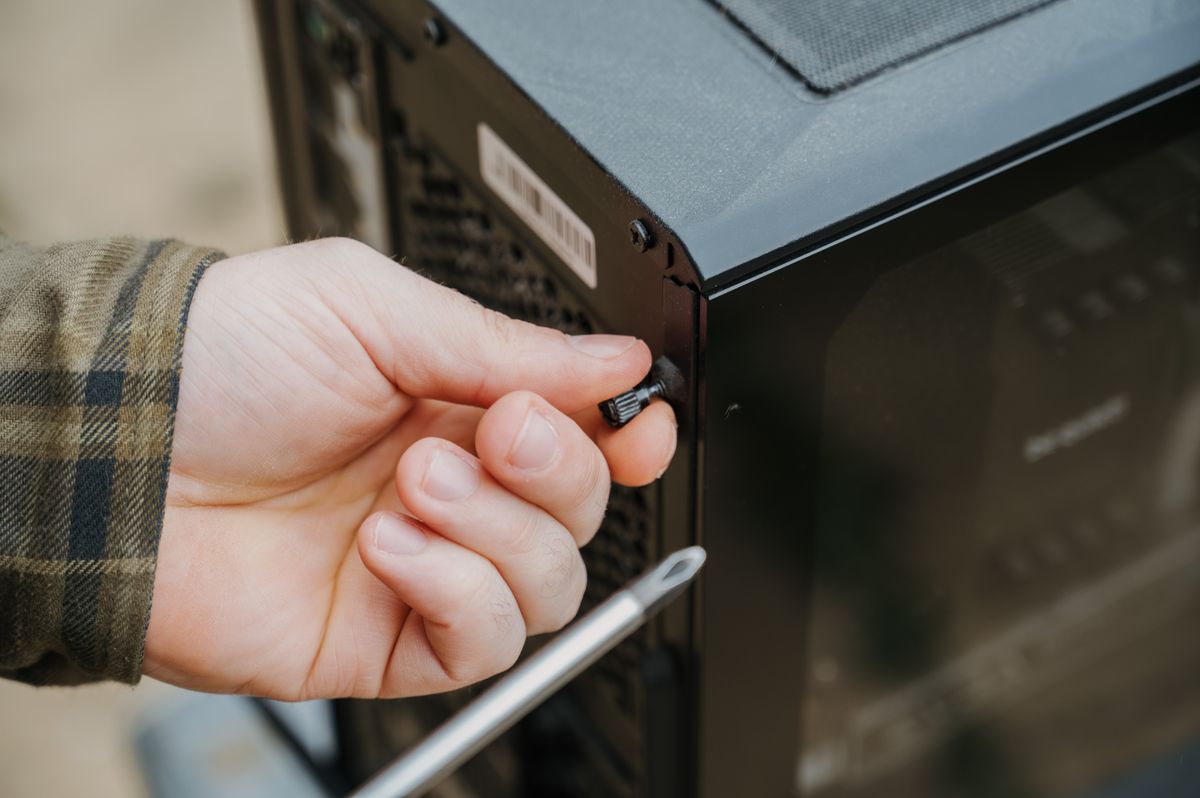
That clean is what GGFix's PC and gaming-laptop cleaning service is — a fixed price from 599 DKK, same-week, with a before-and-after temperature report so you can see the drop that made it quiet again. If a fan is genuinely failing, gaming laptop repair covers the replacement. And if the noise comes with shutdowns or throttling, that is the same root cause behind why gaming laptops overheat and shut down.
When it is worth it — and when it is not
Honesty first: a clean-and-repaste on a two-year-old gaming laptop that has gotten loud is one of the best-value repairs there is, because it fixes the noise and buys back the performance the heat was quietly costing you. A fan replacement is a little more involved but still far cheaper than a new machine.
The one time to think twice is a five-plus-year-old laptop that is already slow for what you play even when it is cool. Then a clean will quiet it, but it will not make it the machine you want — and that is worth weighing honestly before you spend. A good technician tells you that before taking your money, not after.
Frequently Asked Questions
Q: Why are my gaming laptop fans so loud all of a sudden?
Almost always because the heatsink has packed with dust over the last year or two, so the fans have to spin faster to move air and keep the chips cool. The noise is the cooling compensating, not a fault in the fan itself. A proper clean brings it back to quiet in most cases.
Q: Is it bad to run a gaming laptop with loud fans?
The noise itself is not damaging — the fans are protecting the machine by running hard. But loud fans mean the laptop is running hot, and sustained heat is what shortens hardware life, so it is worth fixing rather than ignoring. Never try to force the fans slower to quiet it; that just lets it overheat.
Q: My laptop fan is rattling or grinding — is that different?
Yes, and it matters. A rattle, grind or ticking is a failing fan bearing, not dust, and no amount of cleaning will quiet it — the fan needs replacing. Left alone, a failing fan eventually stops spinning entirely, which leads straight to overheating and shutdowns.
Q: Will cleaning my laptop actually make the fans quiet again?
If the noise is a rush of air under load, yes — clearing the packed dust and refreshing the thermal paste lets the fans hold a lower speed to do the same job. A typical neglected gaming laptop runs much cooler and noticeably quieter afterwards. If the sound is a mechanical grind, cleaning will not fix it and the fan needs replacing.
Q: How much does it cost to fix loud gaming laptop fans in Copenhagen?
A clean and repaste at GGFix is a fixed price from 599 DKK, usually same-week, on-site in Greater Copenhagen or drop-off in Ishøj. If a fan is failing and needs replacing, that is a laptop repair from 699 DKK plus the part, quoted up front before any work.
Want it looked at by someone who does this every week?
GGFix is a Copenhagen technician handling gaming laptop repair hands-on. You get an honest call on whether it is worth fixing — sometimes the answer is no, and we will tell you that before you spend a krone.
- Fixed, up-front prices from 399 DKK — no surprise bills
- On-site in Greater Copenhagen, or drop-off in Ishøj
- A clear diagnosis before you commit to any repair
- 8+ years repairing gaming PCs, laptops and workstations
- English or Danish — same-week turnaround
GGFix Technical Team
Writing about hardware monitoring, fleet management, and keeping machines alive. Powered by GGFix.
Related Articles
Spilled Liquid on Your Laptop? The First 60 Seconds Matter Most
Spilled liquid on your laptop? Power, not water, is what kills it — and rice does nothing. The first 60 seconds, the mistakes to avoid, and the real fix.
Why Your PC Runs 20°C Hotter Than It Should
A PC running hot is dust and dried thermal paste choking the cooling, not a dying machine. What the heat is doing inside the case — and what a clean fixes.
Is It a Virus, or Just Bloatware Slowing Your PC?
Most 'my PC has a virus' cases are adware and bloatware, not a real infection. How to tell the difference, what is safe to remove yourself, and when it is genuinely malware.
[ on-site service · copenhagen ]
Got this problem right now?
GGFix offers on-site PC and laptop repair, cleaning and diagnostics across Copenhagen and Zealand. Fixed prices from 399 DKK, based in Ishøj, same-week availability.