Prebuilt vs Custom Gaming PC: What You Are Paying For

Most of these problems are fixable — and cheaper than replacing the machine.
GGFix handles custom gaming PC builds across Greater Copenhagen at fixed, up-front prices from 399 DKK — on-site or drop-off in Ishøj, in English or Danish. You get a clear diagnosis before you commit to anything.
A custom gaming PC is not about chasing the most expensive parts. It is about spending your money where it actually shows up in frames per second, and not a krone where it does not. The reason two gaming PCs at the same price can perform completely differently is that one was built around what games need, and the other was built around what looked impressive on a spec sheet in a shop window. That gap — between what you pay and what you feel — is the whole argument for a custom build over an off-the-shelf box.
This is what a custom gaming PC build in Copenhagen is for: picking the right parts for your games and your budget, assembling it properly, and handing back a machine that runs cool and quiet. Below is the honest comparison — prebuilt versus custom versus building it yourself — and exactly where the money matters. Every fixed price is on the services page.
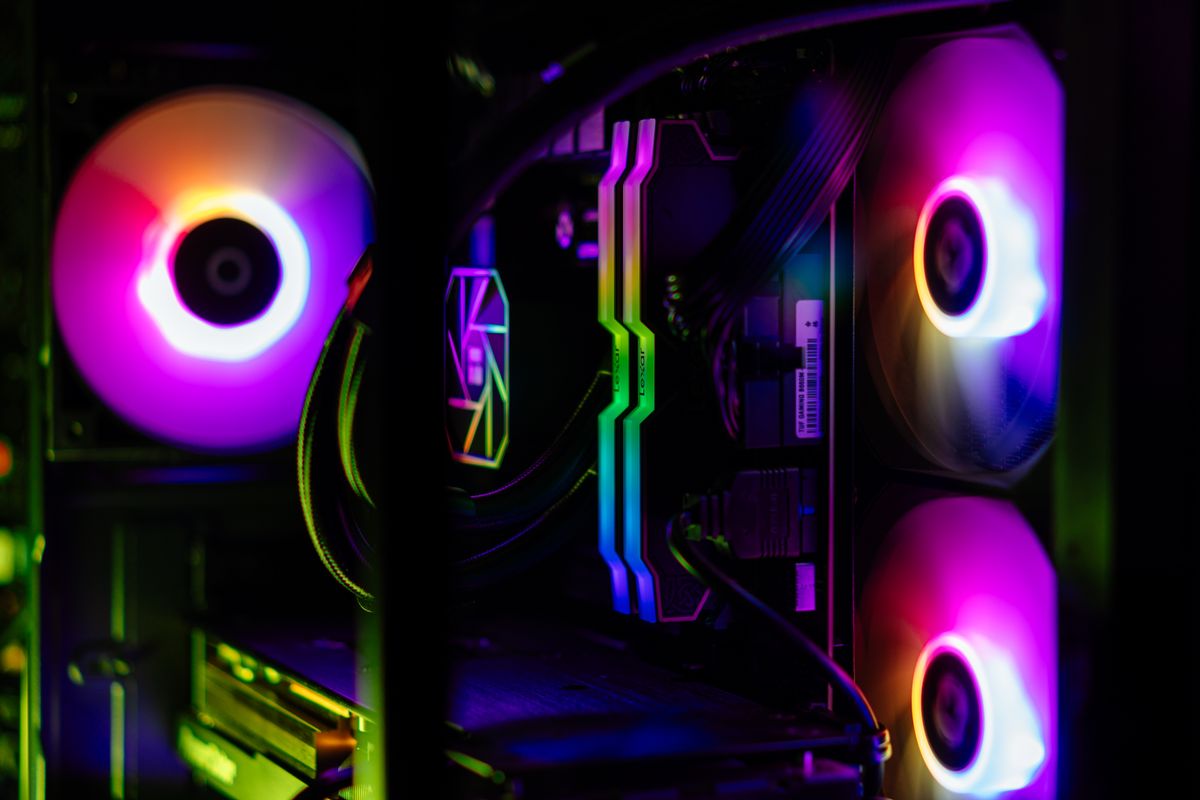
What you are actually paying for in a gaming PC
Not every part affects your games equally, and knowing the order is most of the battle.
The graphics card delivers the large majority of your gaming performance, and it is where the biggest slice of the budget should go. The processor matters next, mainly so it does not bottleneck the graphics card — pairing a strong GPU with a weak CPU wastes the GPU you paid for. After that: 16 to 32 GB of RAM at a sensible speed, a fast SSD so games and Windows load quickly, a power supply from a reputable brand so the whole thing does not die in two years, and cooling and airflow so none of it throttles under load. Spend in that order and a build punches above its price. Spend out of order and an expensive PC underperforms a cheaper one.
Prebuilt vs custom vs building it yourself
There is no single right answer — it depends on your budget, your time, and how much you want to learn. Here is the honest trade-off.
| Prebuilt (off the shelf) | Custom (built for you) | DIY (you build it) | |
|---|---|---|---|
| Part choice | Fixed bundle | Every part chosen for your needs | Total control |
| Where money goes | Often cut on PSU, RAM, cooling | Balanced for frames per krone | Wherever you decide |
| Quality of assembly | Variable, sometimes cramped | Cable-managed, airflow-tuned | Down to you |
| Upgrade path | Sometimes proprietary, limited | Standard parts, easy to upgrade | Fully open |
| Effort from you | None | None | High, plus the learning curve |
| Best for | A genuine sale, or zero hassle | Best performance per krone without the work | Enthusiasts who enjoy the build |
Where prebuilts quietly cut corners
A prebuilt is not automatically bad, but the savings usually come from the parts you cannot see on the sticker.
The most common cuts are a cheap, unbranded power supply, slow RAM, a cramped case with poor airflow that leaves the machine throttling under load, and occasionally proprietary parts that make future upgrades difficult. Many also ship with a pile of bloatware. None of this shows up in the headline "RTX graphics card, 16 GB RAM" — but it is exactly why two PCs with the same listed specs can run a game very differently, and why a cheap-feeling prebuilt can run hot and loud out of the box.
Where a custom build wins, and where a prebuilt is the smart buy
Honesty matters more than a booking, so here is the case for both.
A custom build wins when you want the most performance for your money: the budget goes into the parts that produce frames, the airflow is set up so nothing throttles, the cables are managed, and the whole thing is stress-tested before it reaches you — with standard parts you can upgrade later. That is the better machine in most situations, and the reason it stays the better machine is the same airflow discipline that keeps any PC from running hotter than it should over time.
But a prebuilt is genuinely the smart buy sometimes. During a real sale or a GPU shortage, a prebuilt can cost less than the parts inside it bought separately, and if you want zero hassle and a single warranty covering the whole machine, that has real value. A good technician will tell you when that is the case rather than talk you into a build you did not need.
What a GGFix custom build includes
The build itself is the straightforward part: parts chosen around your games and budget, full assembly with proper cable management, Windows and drivers installed, and a stress test to confirm it runs stable, cool and quiet before you take it home. GGFix's custom gaming PC build service starts at 1,500 DKK for the assembly, and you can supply the parts yourself or have them sourced for you. The point is not to sell you the flashiest box — it is to make sure every krone you spend lands somewhere you will actually feel it.
Frequently Asked Questions
Q: Is a custom gaming PC worth it over a prebuilt?
In most cases yes, because a custom build puts your money into the parts that produce frames and does not cut corners on the power supply, cooling and RAM the way many prebuilts do. The exception is a genuine sale or GPU shortage, where a prebuilt can briefly be cheaper than the parts inside it — then it can be the smart buy.
Q: What is the most important part of a gaming PC?
The graphics card, by a wide margin — it delivers most of your gaming performance, so it should take the largest share of the budget. The processor matters next, mainly so it does not bottleneck the GPU, followed by enough RAM and a fast SSD.
Q: How much should I spend on a gaming PC?
Enough to put a strong graphics card at the centre of the build without starving the other parts. A balanced mid-range machine beats an unbalanced expensive one, so the right number is whatever lets you buy a good GPU plus a CPU, RAM, SSD, PSU and cooling that do not hold it back, rather than the highest price you can reach.
Q: Can you build a PC with parts I have already bought?
Yes. GGFix assembles builds from parts you supply, with full cable management, OS and driver installation, and a stress test, or sources the parts for you if you prefer. Either way the assembly is a fixed 1,500 DKK starting price.
Q: How much does PC assembly cost in Copenhagen?
GGFix builds custom gaming PCs from 1,500 DKK for the assembly, whether you bring the parts or have them sourced. The price is fixed and agreed before any work, and the machine is stress-tested before you collect it.
Want it looked at by someone who does this every week?
GGFix is a Copenhagen technician handling custom gaming PC builds hands-on. You get an honest call on whether it is worth fixing — sometimes the answer is no, and we will tell you that before you spend a krone.
- Fixed, up-front prices from 399 DKK — no surprise bills
- On-site in Greater Copenhagen, or drop-off in Ishøj
- A clear diagnosis before you commit to any repair
- 8+ years repairing gaming PCs, laptops and workstations
- English or Danish — same-week turnaround
GGFix Technical Team
Writing about hardware monitoring, fleet management, and keeping machines alive. Powered by GGFix.
Related Articles
Why Your Gaming Laptop's Fans Got So Loud
A gaming laptop whose fans suddenly roar is not a dying machine. Nine times out of ten it is dust making the cooling work overtime. Here is what the noise means.
Spilled Liquid on Your Laptop? The First 60 Seconds Matter Most
Spilled liquid on your laptop? Power, not water, is what kills it — and rice does nothing. The first 60 seconds, the mistakes to avoid, and the real fix.
Why Your PC Runs 20°C Hotter Than It Should
A PC running hot is dust and dried thermal paste choking the cooling, not a dying machine. What the heat is doing inside the case — and what a clean fixes.
[ on-site service · copenhagen ]
Got this problem right now?
GGFix offers on-site PC and laptop repair, cleaning and diagnostics across Copenhagen and Zealand. Fixed prices from 399 DKK, based in Ishøj, same-week availability.