DDR4 vs DDR5 Thermals: Does RAM Temperature Actually Matter?

Your CPU might be throttling right now and you'd never know.
Sustained temperatures above 85°C shorten CPU lifespan and tank performance — silently. GGFix watches every sensor (including the hotspot most tools hide) and alerts you the moment a reading drifts above its 30-day baseline, not just when it crosses a static threshold.
Start 3-Day Free TrialNo card requiredRAM temperature is the least discussed thermal metric in PC monitoring — and for most DDR4 systems, that neglect is justified. But DDR5, particularly high-frequency kits and modules paired with HEDT (High-End Desktop) platforms, runs meaningfully hotter than DDR4 under comparable conditions. For systems running sustained memory-intensive workloads — rendering, large database operations, video transcoding — DDR5 temperature can affect both stability and, in extreme cases, longevity. This guide covers the actual thermal differences, when memory temperature matters, and what monitoring provides in practice.
For a broader view of hardware temperature monitoring, see our CPU temperature guide and our critical PC sensors to monitor guide.
DDR4 Thermal Basics
Standard DDR4 operates at 1.2V (1.35V for DDR4-3200+ XMP profiles). At these voltages, power consumption per module is modest — typically 2–4W per module at moderate utilization, rising to 4–7W under sustained heavy load.
JEDEC's DDR4 standard specifies:
- Maximum operating temperature: 85°C (standard DDR4-3200 and below)
- Extended temperature range DDR4 (industrial grade): up to 95°C
- Throttle behavior: DDR4 does not actively thermal throttle in the same way as CPUs and GPUs — the controller on the CPU memory controller manages timing adjustments as temperatures rise
In practice, consumer DDR4 modules in typical desktop configurations rarely exceed 45–55°C even under sustained load. Modules within CPU cooler airflow paths often stay 35–45°C. RAM temperature is almost never a concern for DDR4 in standard configurations.
Exception: DDR4 modules on AMD Threadripper or Intel HEDT (X299, X399 platforms) with 8 DIMM slots populated can run warmer due to the higher overall power draw and reduced per-slot airflow in fully-populated configurations.
DDR5 Thermal Characteristics
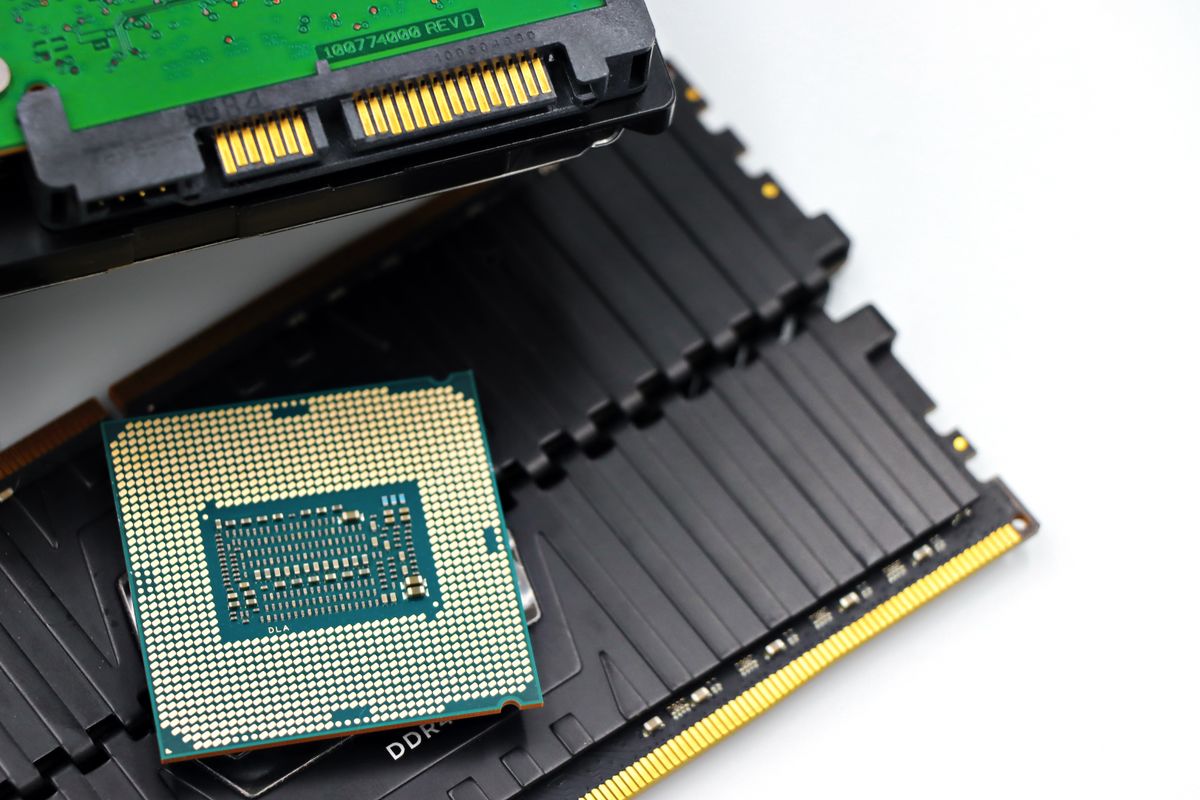
DDR5 operates at 1.1V per channel (reduced from DDR4's 1.2V). This voltage reduction should make DDR5 run cooler — and for standard-speed DDR5 (DDR5-4800, JEDEC spec), it often does.
However, the DDR5 consumer market has pushed frequencies far beyond JEDEC baseline:
- High-end DDR5 kits (DDR5-7200, DDR5-8000, DDR5-8400+) use XMP/EXPO profiles that increase voltage to 1.35–1.45V
- DDR5's on-die ECC and PMIC (Power Management IC) — moved from the motherboard to each DDR5 module — generates additional heat per module
- Higher frequency operation increases switching activity and thus power consumption
Result: high-frequency DDR5 kits often run 10–18°C hotter than comparable DDR4 systems under the same workload conditions. A DDR4-3600 kit that runs at 42°C in a system might be replaced by DDR5-7200 that runs at 54–60°C in the same chassis.
DDR5's onboard PMIC is a new thermal element not present on DDR4. The PMIC handles voltage regulation locally on the module, and its temperature can exceed the DRAM chip temperature on some modules. Some DDR5 modules expose PMIC temperature as a separate sensor.
When Does RAM Temperature Actually Affect Stability?
JEDEC's DDR5 specification defines a maximum operating temperature of 85°C for standard modules. In practice:
- Below 60°C: No thermal impact on stability for any DDR5 module
- 60–75°C: Acceptable operating range, particularly for high-frequency kits. Monitor but do not intervene
- 75–85°C: Elevated range. Check airflow around DIMM slots. Consider adding a low-profile case fan directing airflow toward DIMMs
- Above 85°C: Outside JEDEC specification. Risk of memory errors, system instability, and accelerated module degradation
For most consumer systems, RAM temperature never approaches the concern zone. The configurations where it matters:
- High-frequency DDR5 (7200MT/s+) in cases with restricted DIMM airflow: Compact ATX or mATX cases where the CPU cooler does not direct airflow toward the DIMM slots
- Fully-populated HEDT systems: 4 or 8 DIMMs occupied vs. 2 creates a 10–15°C temperature increase per module due to reduced airflow between tightly-spaced modules
- DIMM slots below GPU exhausts: In full-ATX configurations where GPU exhaust vents point toward upper PCIe lanes and DIMM slots, RAM temperatures can increase 8–12°C during GPU load
- Server-class DDR5 RDIMM in workstation builds: Registered DIMMs draw more power than UDIMMs and require better airflow planning
Monitoring RAM Temperature in Practice
DDR5 modules with temperature sensors (most high-end retail kits include them) expose temperature data via I2C/SMBus to the motherboard. LibreHardwareMonitor (and by extension, GGFix's agent) reads DRAM temperature on systems where the motherboard BIOS exposes this data to the software layer.
Coverage reality: RAM temperature sensor availability depends on the module (whether it has a sensor) and the motherboard (whether the BIOS exposes the I2C interface to software). High-end DDR5 kits from Corsair, G.Skill, Kingston Fury, and Crucial frequently include temperature sensors. Budget DDR5 and most DDR4 modules do not.
What GGFix does with RAM temperature:
- Records readings where available
- Includes in fleet health summaries
- Alerts when DRAM temperature exceeds configured thresholds
- Tracks trends to catch gradual increases (indicating degraded airflow or new thermal obstruction)
For systems without RAM temperature sensors, CPU memory controller temperature (available on AMD Ryzen platforms via the SOC temperature sensor) provides a proxy indication of memory subsystem thermal state.
DDR4 vs DDR5 Monitoring Recommendation
For DDR4 systems: RAM temperature monitoring is low priority. Focus monitoring resources on CPU, GPU, and storage temperatures. DDR4 RAM temperature causing issues is rare enough to be a footnote, not a priority.
For high-frequency DDR5 systems (7200MT/s+): Monitor DRAM temperature if the module supports it. Alert at 75°C. If temperatures consistently exceed 65°C, assess airflow around the DIMM slots — a low-profile 80mm fan directed at the DIMMs is a $15 solution to a problem that otherwise risks occasional instability. If you are local to Copenhagen and would prefer the airflow and module seating checked in person, our gaming PC repair service can assess DIMM cooling during a tune-up.
For HEDT or workstation platforms: Monitor RAM temperature, particularly for fully-populated configurations. 8 DIMMs in a Threadripper Pro system running at high frequency generates significant DRAM heat. Workstation chassis are designed with DIMM airflow paths — verify that memory modules are positioned according to the chassis cooling design.
Frequently Asked Questions
Does running DDR5 at XMP profile temperatures affect longevity?
Likely yes, but the effect is small under 75°C. DRAM manufacturers rate their modules to operate reliably over the product's expected 5–10 year lifespan at their specified operating temperatures. Running within JEDEC temperature specs (below 85°C) should not cause premature failure. Sustained operation above 85°C is more likely to cause long-term reliability issues.
Can I reduce DDR5 temperatures by running at lower frequency?
Yes. Running DDR5-7200 at DDR5-6000 reduces voltage requirements (typically from 1.40V to 1.35V) and switching activity, resulting in 5–10°C lower module temperatures. For stability-sensitive applications, dropping XMP profile frequency by one tier is a useful option if temperatures are a concern.
Do DDR5 heat spreaders actually help?
Heat spreaders on DDR5 modules provide passive cooling benefit when airflow is present across them. Without airflow, a heat spreader helps little — it dissipates heat to still air inefficiently. The heat spreader's primary benefit is increasing the thermal mass of the module (buffering short bursts of heat) and improving heat distribution across the spreader surface where airflow can remove it. In a well-ventilated case, yes, heat spreaders help meaningfully.
Does GGFix monitor RAM temperature?
GGFix reads DRAM temperature on systems where the memory module has a thermal sensor and the motherboard BIOS exposes the sensor via the standard hardware monitoring interface. Coverage is not universal — it depends on the specific module and board combination. For systems where the sensor is available, GGFix includes DRAM temperature in fleet health monitoring and alerting.
Is DDR5 RAM more likely to fail than DDR4?
Insufficient long-term reliability data is available to make a definitive comparison. DDR5's on-die ECC improves reliability for single-bit errors compared to consumer DDR4. However, DDR5's additional complexity (PMIC on-module, higher operating temperatures at extreme frequencies) introduces potential failure points not present in DDR4. For business-critical systems, ECC DDR5 (where the CPU and motherboard platform support it) provides better reliability guarantees than non-ECC DDR5.
Is your PC throttling under load without telling you?
GGFix watches every temperature sensor — including the GPU hotspot most tools hide — and catches thermal problems before components degrade. AI alerts name which workload caused the spike.
- 3-day free trial — no credit card, 1 machine included
- Installs silently as a Windows Service (2 minutes)
- 50+ sensors + top 25 processes monitored every minute
- Auto-decodes BSODs and Event IDs 41 / 1001 / 219 / WHEA
- AI names the exact app that caused any crash or spike
- Telegram or email alerts in under 10 seconds
| Scenario | Typical cost (USD) |
|---|---|
| CPU/GPU replacement after thermal failure | $400 – $2,500 |
| Emergency technician callout | $120 – $350 |
| Lost workday (thermal throttling undetected) | $200 – $600 |
| Thermal paste + cleaning (early warning) | $30 – $100 |
| GGFix monitoring (per machine / month) | $20 |
| GGFix monitoring (per machine / year — 2 months free) | $200 |
Early warning is the cheapest insurance you can buy. GGFix catches problems when the fix is still cheap — and names the exact app, sensor, or BSOD code responsible.
On-site PC & laptop repair · Copenhagen
In Copenhagen with this exact problem? GGFix fixes it hands-on — often cheaper than replacing the machine.
Fixed prices from 399 DKK for PC cleaning and thermal-paste service, all brands, on-site or drop-off in Ishøj — with an honest diagnosis before you commit to anything.
See PC cleaning and thermal-paste service pricesWriting about hardware monitoring, fleet management, and keeping machines alive. Powered by GGFix.
Related Articles
GPU Artifacts: What They Look Like and What Causes Them
GPU artifacts range from fixable driver issues to signs of permanent VRAM damage. Here is how to identify which type you have, what temperatures trigger them, and whether your graphics card is recoverable.
PC Maintenance Schedule: The Complete Checklist (Daily to Annual)
The complete PC maintenance schedule for businesses — weekly, monthly, quarterly, and annual tasks with time estimates, environment adjustments, and the real cost of skipping it.
NVIDIA RTX 4060–5090: Temperature Limits by Model
RTX 4090 and RTX 5090 have different temperature limits. The hotspot temperature runs 15-25°C above the core temperature every card reports. Most monitoring setups only watch the core — which means most monitoring misses the actual failure threshold. Here are the exact numbers for every RTX card.
[ free 3-day trial · no credit card ]
Know before it breaks.
GGFix installs in 2 minutes and starts watching your hardware immediately — CPU temps, GPU load, disk health, fan speeds, and 50+ sensors. AI tells you what's wrong before it causes damage.