Copenhagen Heatwave: Why Gaming Laptops Are Shutting Down

If your gaming laptop shut down mid-game this weekend, ran its fans flat out, or quietly dropped to half its usual frame rate, the heatwave is not really the cause — the dust inside it is. Denmark has entered its first proper heatwave of 2026, with the Danish Meteorological Institute forecasting temperatures up to 30°C across Zealand and Copenhagen through the Sankthans weekend, as reported by The Local. For a gaming laptop that was already running warm, those few extra degrees of room heat are the difference between "fine" and "shutting down."
If that sounds like your machine, it is almost always a fixable — and cheap — problem: a clean and fresh thermal paste, not a new laptop. Here is what the heat is actually doing, and what to do about it this week. All of GGFix's Copenhagen repair and cleaning prices are fixed and listed up front.
It is not the weather — it is the headroom
A gaming laptop does not care about the absolute room temperature. It cares about the gap between its chips and the air its small cooler has to dump heat into. In a 21°C room that gap is comfortable. In a 29°C bedroom during a heatwave, every reading shifts up by those same 8 degrees — and a laptop already sitting near its limit from a year of dust and dried-out paste finally crosses it.
That is why the same laptop that was "fine in winter" starts throttling and shutting down in the first hot week of summer. Nothing broke. The machine had been quietly running out of cooling headroom for months, and the heatwave is simply what exposed it.
Why gaming laptops, and why students get hit hardest
Gaming laptops are the worst affected by far. They pack desktop-class heat into a thin chassis with small fans and fine, easily-clogged vents — and they are usually used exactly where airflow is worst: on a bed, a sofa, or a lap, where soft surfaces block the intake vents underneath entirely.
For students and anyone gaming in a warm Copenhagen flat with no air conditioning, that is the perfect storm: a powerful laptop, a hot room, and a soft surface choking the only air it gets. The result is the mid-game shutdown, the jet-engine fans, and the frame rate that collapses fifteen minutes in.
What to do this week
Work down this list — stop when it is fixed.
- Get it off soft surfaces. A bed or a lap blocks the bottom intake directly. A hard desk, or even a couple of books under the back edge, can drop temperatures several degrees for free.
- Set the fan profile to performance. Most gaming laptops ship in a "balanced" or "quiet" mode that caps the fans. The maker's app (Armoury Crate, Lenovo Vantage, MyASUS, MSI Center) has a cooler curve — turn it on.
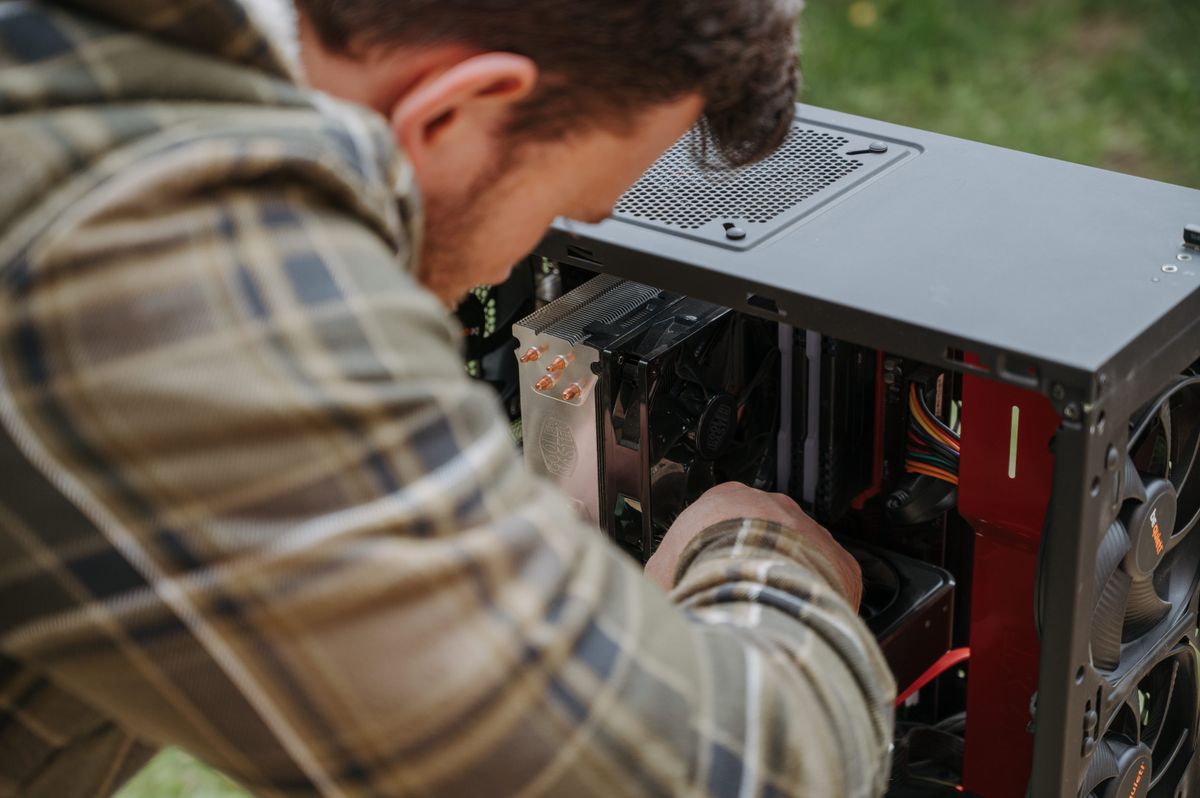
- If it still throttles or shuts down, it is overdue a clean. Surface fixes only go so far when the heatsink is packed with dust and the thermal paste has dried out. A proper clean and repaste brings load temperatures down 15-25°C and stops the shutdowns — the headroom the heatwave ate, restored.
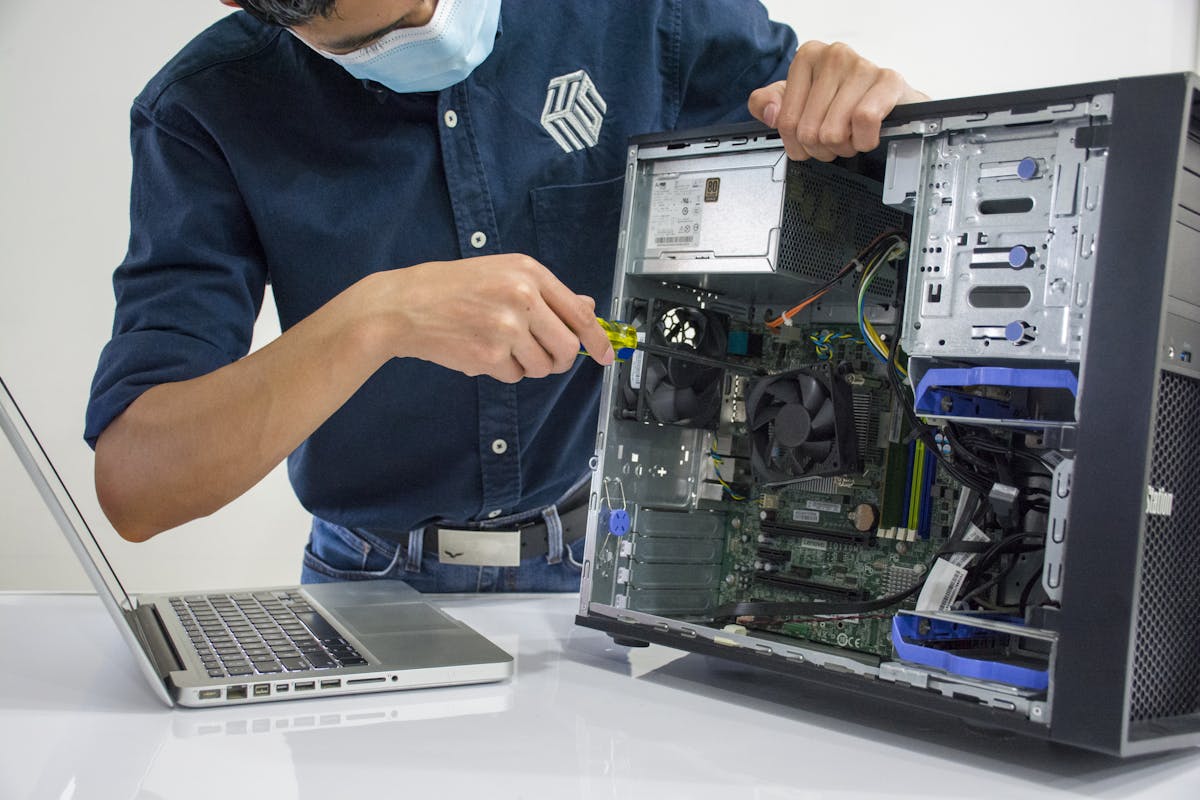
That clean-and-repaste is what GGFix's PC and gaming-laptop cleaning service in Copenhagen is: a fixed price, same-week, with a before-and-after temperature report so you can see the drop. For shutdowns that look more like a hardware fault than simple heat, our gaming laptop repair starts with an honest diagnosis.
8,001 DKK saved by repairing instead of replacing.
Beyond stopping the shutdowns, clearing the throttling gives back the sustained performance the heat was quietly taking — across games and creative apps alike:
| Software | Throttled | After clean | Change |
|---|---|---|---|
| Cyberpunk 2077 | 42 fps | 55 fps | +31% |
| Fortnite | 96 fps | 124 fps | +29% |
| Counter-Strike 2 | 181 fps | 232 fps | +28% |
| Baldur's Gate 3 | 48 fps | 61 fps | +27% |
| Call of Duty Warzone | 71 fps | 92 fps | +30% |
| Blender (BMW render) | 248 s | 190 s | -23% |
| DaVinci Resolve 4K export | 310 s | 232 s | -25% |
| Premiere Pro 4K export | 280 s | 214 s | -24% |
| Cinema 4D render | 360 s | 270 s | -25% |
| After Effects render | 260 s | 205 s | -21% |
| HandBrake transcode | 300 s | 225 s | -25% |
| Lightroom 1000 exports | 420 s | 332 s | -21% |
Representative sustained-performance recovery once thermal throttling is removed — not a benchmark of one device; actual gains depend on the machine and how badly it was throttling.
One honest note: if your laptop crashes or shuts down cold — sitting idle with no game running — the cause is probably not heat, and a clean alone will not fix it. That is the case to get diagnosed properly rather than guess.
Frequently Asked Questions
Q: Why does my gaming laptop shut down in hot weather?
A laptop shuts itself down to protect its chips when they hit a critical temperature. In a heatwave, the warmer room removes the cooling margin a dusty or poorly-pasted laptop was relying on, so it crosses that limit under load. A clean machine should handle a warm room without shutting down — if yours does not, it is overdue for cleaning.
Q: Will cleaning my laptop actually stop it overheating this summer?
Usually yes, when the cause is heat. Removing the packed dust and replacing dried thermal paste restores the temperature headroom the machine lost, which is exactly what the heatwave eats into. A typical neglected gaming laptop runs 15-25°C cooler under load afterwards.
Q: Will a clean really get my frame rates back?
If you were losing performance to thermal throttling, yes — once the chips stay below their throttle point they hold full clocks again, so the frame rates and render times you lost to the heat come back. If the laptop was never throttling, a clean keeps it healthy but will not add performance it never had.
Q: How fast can I get a gaming laptop cleaned in Copenhagen?
GGFix does cleaning and repaste at fixed prices, usually within the same week, on-site in Greater Copenhagen or drop-off in Ishøj — in English or Danish. You get a clear price before any work starts and a before-and-after temperature report.
[ on-site service · copenhagen ]
Got this problem right now?
GGFix offers on-site PC and laptop repair, cleaning and diagnostics across Copenhagen and Zealand. Fixed prices from 399 DKK.